
TV Stand Width Calculator
How wide should your TV stand be?
65 inch TVs aren't actually 65 inches wide. The "65 inch" measurement refers to the screen diagonal. Your TV's total width (including bezel and stand) is usually 58-62 inches. A properly sized stand gives you stability, safety, and room for accessories.
Recommended stand width
When you buy a 65 inch TV, you expect it to be exactly 65 inches wide - right? But if you’ve ever tried to fit one into your entertainment unit, you know things aren’t that simple. The number on the box doesn’t tell the whole story. So, are 65 inch TVs actually 65 inches? The answer isn’t yes or no - it’s more like, 65 inches refers to the screen diagonal, not the width of the whole TV. And that tiny detail is why your TV stand might be too small.
What does "65 inch" really mean?
The "65 inch" label on your TV doesn’t measure the width, height, or depth. It measures the diagonal distance from one corner of the screen to the opposite corner. Think of it like measuring a smartphone screen - you don’t care how wide the phone is, you care how big the picture looks. That’s why manufacturers use the diagonal. It’s a standard that’s been around since the early days of CRT TVs, and it stuck.
So if you’re looking at a 65 inch TV, you’re seeing a screen that’s about 57 inches wide and 32 inches tall. That’s the size of the actual display area - not including the bezel, the frame around the screen, or the stand. Most modern TVs have slim bezels, but even then, they add another 0.5 to 1.5 inches on each side. That means your TV’s total width could easily be 59 to 60 inches. And if your TV stand is only 58 inches wide? You’re going to have a problem.
Why your TV stand size matters more than you think
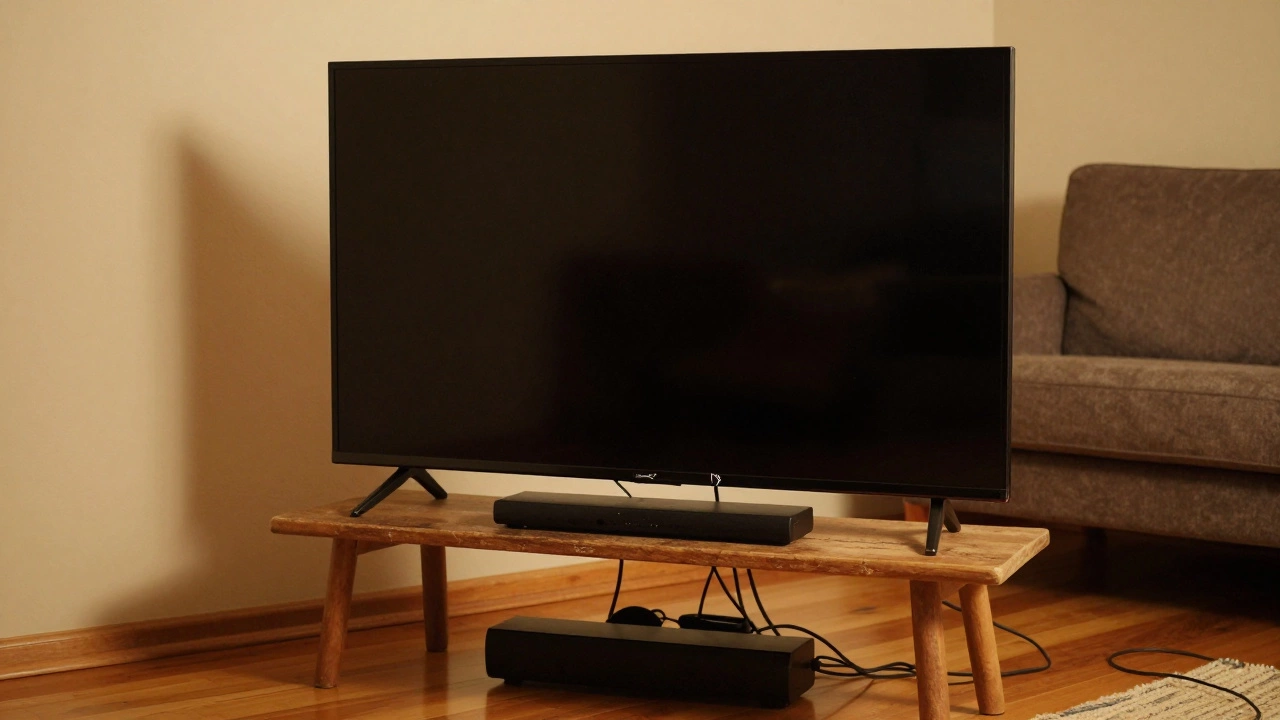
It’s not just about whether the TV fits - it’s about safety, balance, and looks. A TV that hangs over the edge of its stand looks unsteady. It’s also a hazard. If the stand is too narrow, the TV can wobble, especially if someone bumps into it. I’ve seen this happen in homes where people bought a 65 inch TV thinking it would "just fit" on their old 55 inch stand. Within weeks, the TV leaned forward, cracked the plastic trim, and nearly toppled over. It wasn’t the TV’s fault - it was the stand.
Most TV stands designed for 65 inch TVs have a width of at least 62 inches. That gives you 1.5 to 2 inches of clearance on each side. That’s the sweet spot. It looks clean, keeps the TV stable, and lets you slide cables in and out without pulling the whole thing sideways. If your stand is exactly 60 inches, you’re cutting it close. If it’s under 59 inches? You’re risking damage - and your peace of mind.
What else affects the total width?
It’s not just the bezel. Modern TVs have features that add bulk:
- Ports and vents: The back panel often sticks out 2 to 4 inches. If your TV sits flush against the wall, you’ll need extra space behind the stand for cables.
- Soundbars and mounts: If you’re using a soundbar under the TV, it can add 4 to 6 inches of depth. That might push the TV forward if the stand isn’t deep enough.
- Stand feet: Some TVs come with feet that angle outward. That means the base is wider than the screen. I’ve measured a 65 inch Samsung QN90C where the feet extended 62 inches - even though the screen was only 57 inches wide.
Always check the manufacturer’s specs. Look for the "dimensions with stand" or "overall width". Don’t rely on the diagonal number alone. Brands like LG, Sony, and TCL usually list this clearly on their product pages. If you can’t find it, call customer service. They’ll give you the exact numbers.
How to measure your TV stand correctly
Here’s a quick way to know if your stand will work:
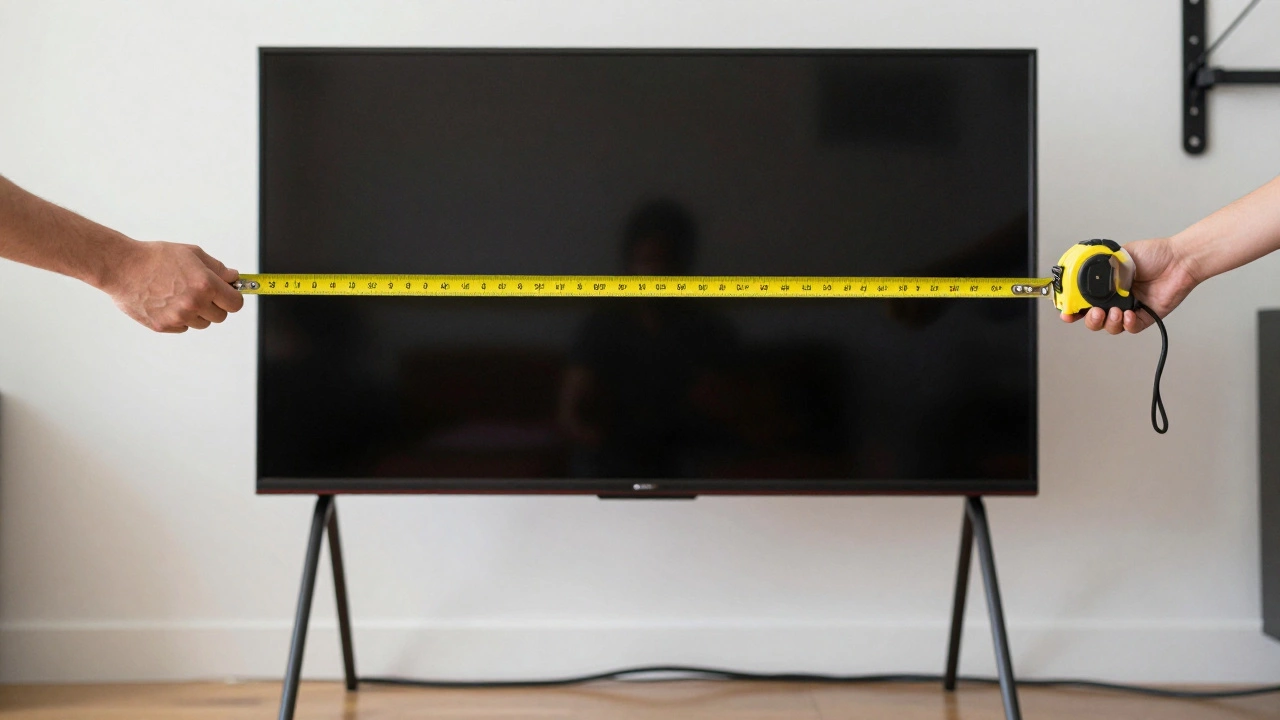
- Measure the width of your stand’s surface - from edge to edge.
- Find the TV’s "overall width with stand" in the manual or online specs.
- Subtract the TV width from the stand width.
- If the result is less than 2 inches, consider a new stand.
For example: Your stand is 60 inches wide. Your TV’s total width is 59.5 inches. That leaves you 0.5 inches on each side. That’s not enough. You’ll have no room for airflow, no margin for error, and the TV will look like it’s about to slide off. Go for a stand that’s at least 62 inches wide. Better yet, aim for 64 inches if you plan to add a soundbar or game console.
What if you already bought the TV?
Too late to return it? Don’t panic. Here are three fixes:
- Swap the stand: Many 65 inch TVs come with two sets of feet - one for narrow stands, one for wider ones. Check the box. You might have the narrow version installed. Switching to the wide feet can add 3 to 4 inches of stability.
- Use wall mounting: If your wall is sturdy, a VESA-compatible mount removes the stand entirely. That means you only need to worry about the TV’s screen width. Mounts let you center the TV perfectly, no matter the stand size.
- Extend the stand: Some people use a long, low cabinet or a custom wood plank to widen the surface. Just make sure it’s level and strong enough. A 65 inch TV can weigh 45 to 60 pounds. Don’t risk it on a flimsy shelf.
What size TV stand do you really need?
Here’s a simple guide based on real TV models available in 2026:
| TV Model Type | Screen Width | Total Width (with stand) | Recommended Stand Width |
|---|---|---|---|
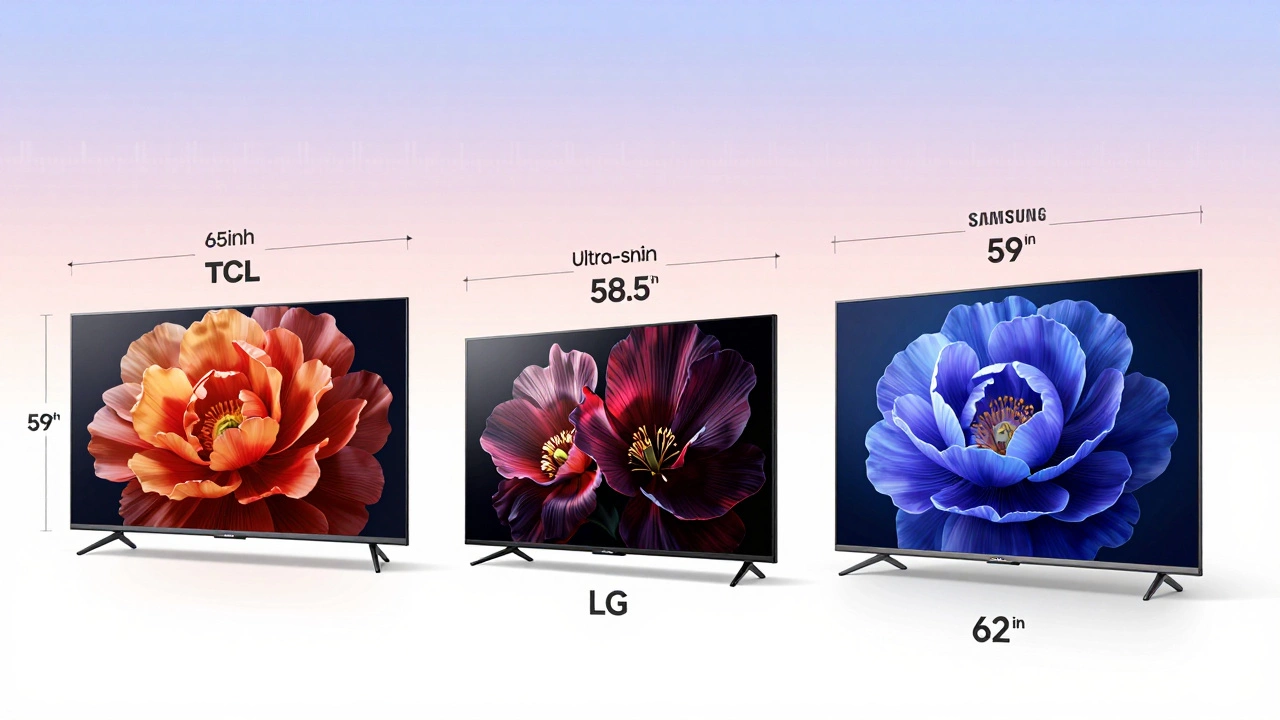
| Standard bezel (e.g., TCL 65Q8) | 57.5 inches | 59 inches | 62 inches |
| Ultra-slim bezel (e.g., LG C3 OLED) | 57 inches | 58.5 inches | 61 inches |
| Wide-foot design (e.g., Samsung QN90D) | 57.2 inches | 62 inches | 65 inches |
| With built-in soundbar (e.g., Sony X90K) | 57 inches | 60.5 inches | 64 inches |
Notice how the recommended stand width is always 3 to 5 inches wider than the TV’s total width? That’s not an accident. It’s the industry standard for safety and aesthetics. If you’re shopping for a new stand, look for ones labeled "fits up to 70 inch TVs" - those will handle a 65 inch model with room to spare.
Don’t forget the depth
Width isn’t the only thing that matters. Depth does too. A 65 inch TV can stick out 3 to 6 inches from the front of the stand. If your stand is shallow - say, only 14 inches deep - you might not have enough room for your cable box, Apple TV, or gaming console. You’ll either have to mount them on the wall or dangle cords over the edge. Neither looks good. Aim for a stand that’s at least 18 inches deep. That gives you space for everything, plus airflow to keep your gear cool.
Final tip: Measure twice, buy once
Before you spend $1,000 on a new TV - or $300 on a new stand - take out your tape measure. Write down the exact dimensions of your current setup. Compare them to the specs of the TV you’re thinking about. If you’re unsure, take a photo of your stand with a ruler next to it. Send it to the retailer’s chat support. Most will help you check compatibility.
There’s no magic number. A 65 inch TV isn’t 65 inches wide. But if you know what the number really means, and you measure properly, you’ll avoid the mess, the wobble, and the regret. Your living room will look clean. Your TV will stay put. And you won’t have to explain why you bought a new stand - again.
Is a 65 inch TV measured including the frame?
No, the 65 inch measurement only refers to the diagonal size of the screen itself, not including the bezel or frame. The total width of the TV, including the frame and stand, is usually 58 to 62 inches. Always check the manufacturer’s specs for "overall width with stand" to know the full size.
Can I put a 65 inch TV on a 60 inch stand?
Technically, yes - if the TV’s total width is under 60 inches. But it’s risky. Most 65 inch TVs are 58 to 62 inches wide with their feet. If the TV is wider than the stand, it will overhang, look unbalanced, and could tip if bumped. A 62 inch stand or wider is the safe choice.
Why do TV stands need to be wider than the TV?
Extra width gives you stability, airflow, and space for accessories. A 2 to 4 inch overhang on each side prevents tipping, lets you plug in devices without moving the TV, and makes the setup look intentional rather than cramped. It’s not just practical - it’s safer.
Do all 65 inch TVs have the same width?
No. Screen width is similar - around 57 inches - but the total width varies based on bezel thickness, stand design, and added features like soundbars. For example, Samsung models with wide feet can be 62 inches across, while LG OLEDs with slim stands may be just 58.5 inches. Always check the exact model specs.
What if my TV stand is too small? Can I fix it?
Yes. You can switch to the wider stand feet that came with the TV (if available), mount the TV on the wall, or use a longer cabinet or wood plank to extend the surface. Just make sure the solution supports the TV’s weight - 65 inch TVs can weigh over 50 pounds. Never use a flimsy shelf or unsecured extension.
What to do next
If you’re shopping for a TV stand, bring a measuring tape. Don’t guess. Don’t assume. Write down the numbers. Compare them. If you’re unsure, take a photo of your current setup and ask a store associate. Most will help - they’ve seen this mistake too many times.
And if you’ve already bought the TV? Don’t wait for it to tip over. Check the specs now. Adjust the feet. Move the stand. Or mount it. Better to fix it before it’s too late.
Write a comment