
Find Your Perfect TV Support
Recommended Solution
Those little plastic or metal feet that come with your television are annoying. They take up floor space, they look cheap, and they make your TV wobble if you bump into the stand. If you are tired of looking at those flimsy supports, you are not alone. Most people eventually realize that TV legs are just a temporary solution provided by manufacturers to keep shipping costs low.
You have better options. Depending on your room layout, budget, and how much cable management you want to do, there are several superior ways to support your screen. From sleek wall mounts that free up floor space to sturdy media consoles that hide all your messy wires, switching from TV legs can transform your living room instantly.
Wall-Mounted Brackets: The Cleanest Look
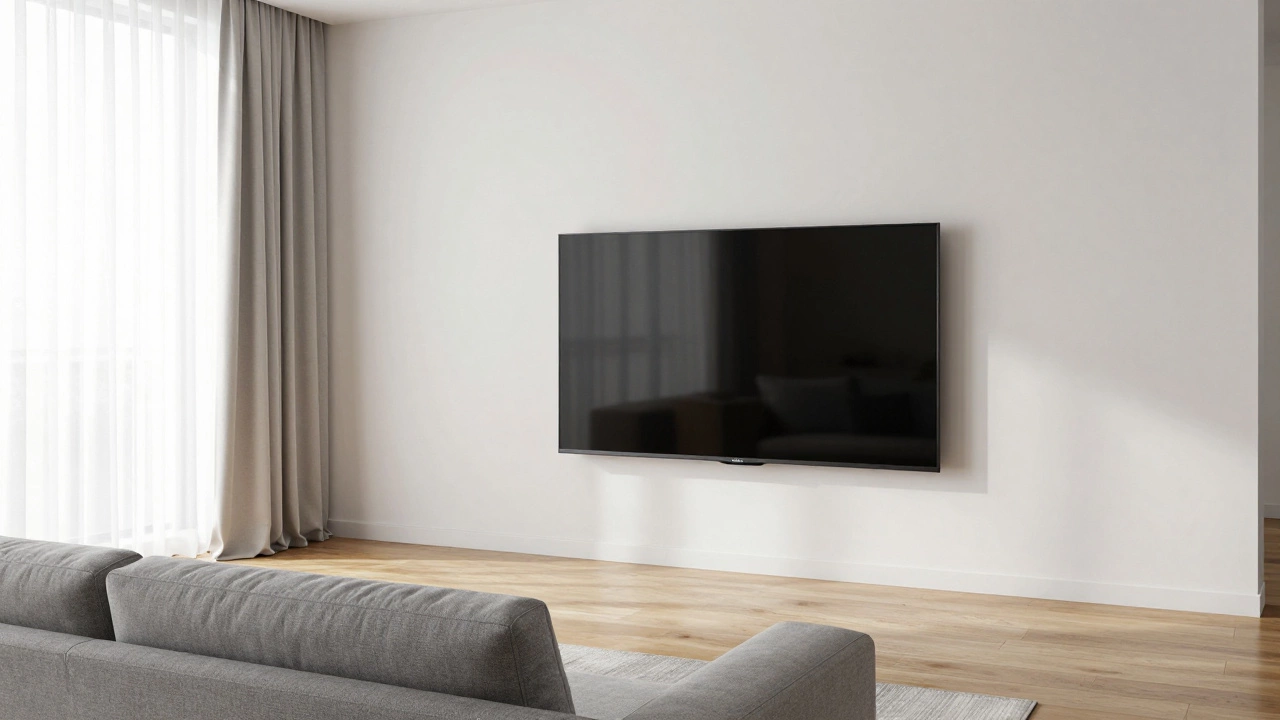
If you want to save floor space and achieve a modern, minimalist aesthetic, a wall mount is a bracket system that attaches your TV directly to the wall studs is the best alternative to legs. This is the most popular choice for small apartments or rooms where every square foot counts.
There are three main types of wall mounts you need to know about:
- Fixed mounts: These hold the TV flush against the wall. They are the cheapest and simplest option. You cannot tilt or swivel the screen, so you must install it at eye level carefully. They offer the cleanest look because the TV looks like it is part of the wall.
- Tilting mounts: These allow you to angle the TV downward. This is perfect if you mount the TV high up, above a fireplace or a sofa backrest. It reduces neck strain by directing the screen toward your eyes.
- Full-motion (articulating) mounts: These arms let you pull the TV out, swivel it left or right, and tilt it. They are great for multi-purpose rooms where you might watch TV from different angles, but they stick out further from the wall, which can look bulky.
The biggest challenge with wall mounting is finding the wall studs. In the UK, most internal walls are plasterboard over timber studs. You cannot screw a heavy TV into plasterboard alone; it will fall. You need a stud finder to locate the solid wood beams behind the wall. If your TV is very large, like an 85-inch model, you may also need to ensure the wall can handle the weight distribution. Always check the VESA pattern on the back of your TV-the distance between the four screw holes-to buy a compatible mount.
Media Consoles and Entertainment Units: Storage and Stability
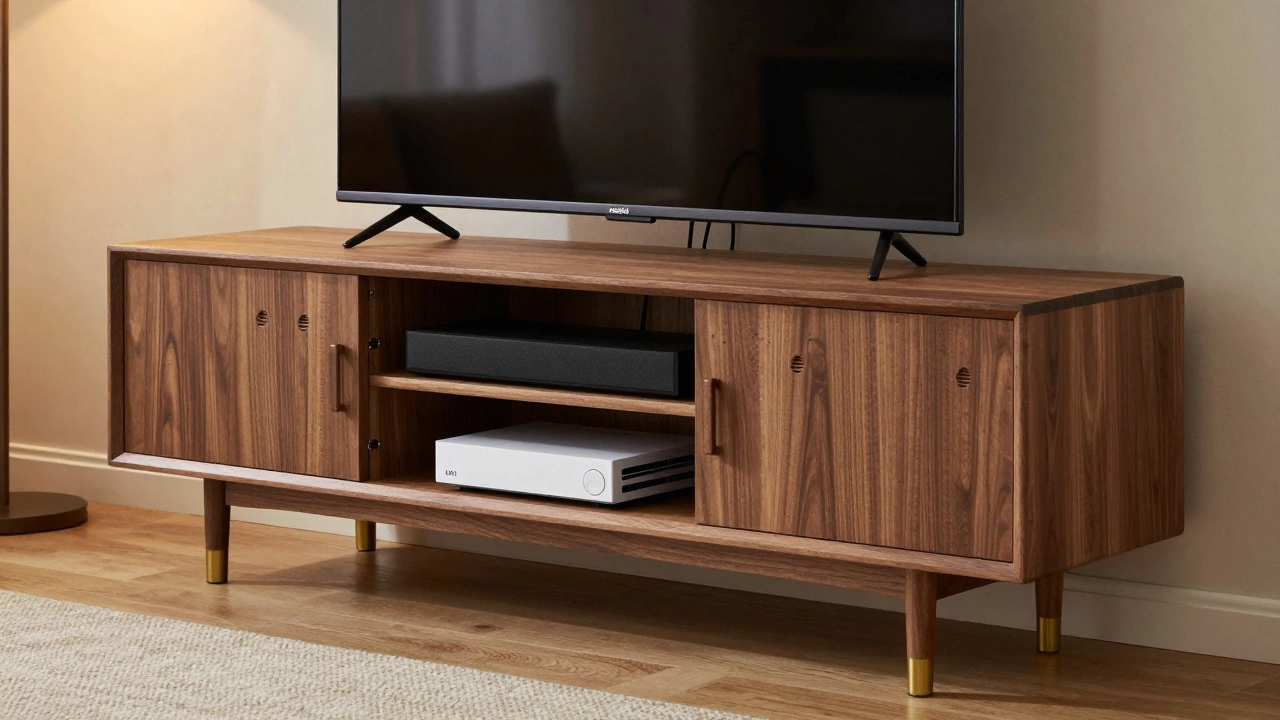
If you hate cables dangling down your wall, a media console is a low cabinet designed to hold a TV and associated electronics is your best friend. Unlike simple TV legs, a media unit provides a stable base and plenty of storage for your soundbar, gaming consoles, Blu-ray players, and streaming sticks.
When choosing a media console, focus on depth and width. Your TV should be narrower than the unit to prevent it from looking top-heavy. A good rule of thumb is that the TV should be about two-thirds the width of the console. For example, if you have a 55-inch TV, aim for a console that is at least 100cm wide.
Look for units with ventilation slots or open backs. Electronics generate heat, and trapping them in a sealed wooden box can shorten their lifespan. Many modern consoles feature integrated cable management channels-holes or trays in the back that let you route HDMI and power cords neatly inside the cabinet. This keeps your living room looking tidy without the visual clutter of wires snaking across the floor.
Material matters too. Solid wood or engineered wood with a veneer offers durability and a classic look. Metal frames with glass shelves provide a contemporary vibe but can show fingerprints easily. If you have kids or pets, avoid glass tops as they are fragile and slippery for placing drinks.
Floating Shelves: Minimalist and Affordable
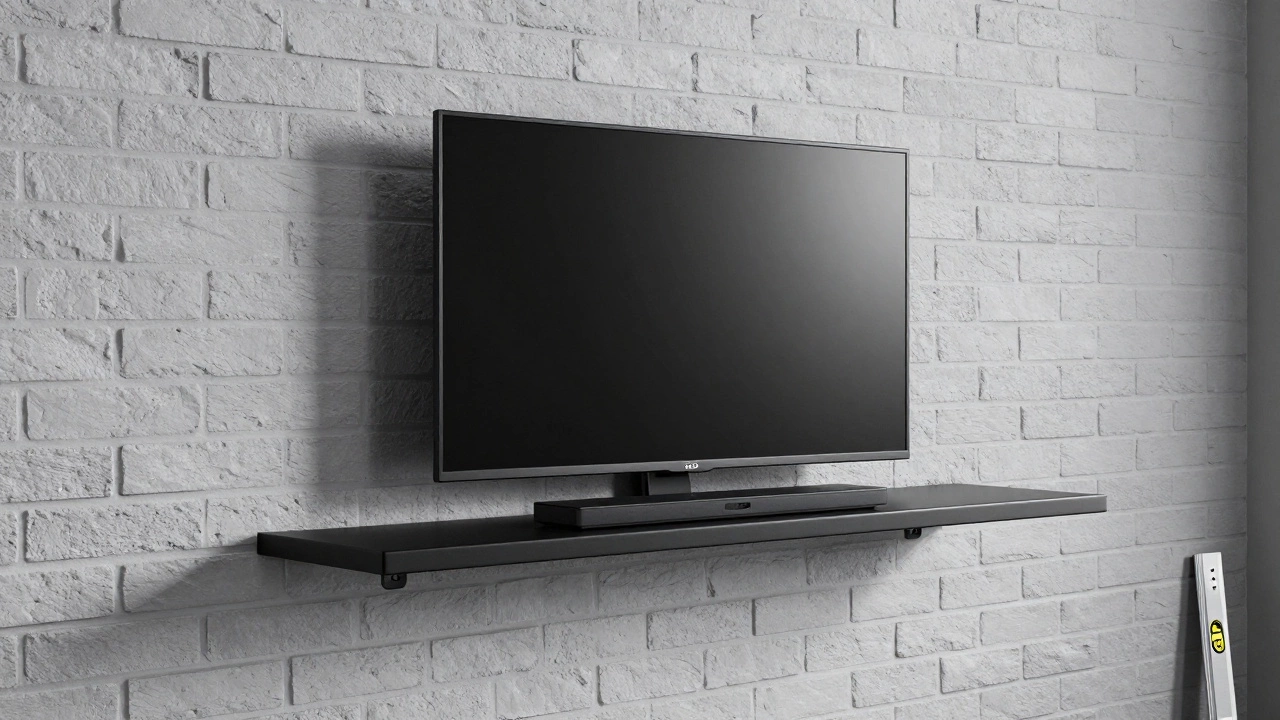
For a budget-friendly option that still looks stylish, consider a floating shelf is a shelf mounted to the wall with hidden brackets, appearing to float. This works well for smaller TVs, typically up to 43 inches, or lightweight OLED models. It’s less common for massive 75-inch screens unless you use industrial-grade steel brackets.
Floating shelves give you a compromise between a wall mount and a stand. The TV sits slightly off the wall, allowing some air circulation behind it, but it doesn’t require a full piece of furniture on the floor. You can place a soundbar directly on the shelf below the TV, creating a cohesive entertainment center.
Installation requires precision. You must drill into wall studs or use heavy-duty wall anchors rated for the combined weight of the TV and the shelf. Use a spirit level to ensure the shelf is perfectly horizontal; otherwise, your TV will slowly slide off one side. This option is ideal for renters who want a change but don’t want to commit to buying a large cabinet.
Corner TV Stands: Maximizing Awkward Spaces
If your living room has awkward corners or limited floor space, a corner TV stand is a triangular or L-shaped unit designed to fit into room corners can be a game-changer. Traditional rectangular stands often leave gaps or block pathways, but corner units utilize dead space effectively.
These stands often come with adjustable height settings or tilting mechanisms similar to wall mounts. They allow you to position the TV so it faces the seating area directly, even if the sofa is arranged in an L-shape. This improves viewing angles and reduces glare from windows that might be positioned behind a traditional straight-on setup.
When shopping for a corner stand, measure the diagonal length of your TV and compare it to the stand’s maximum capacity. Ensure the stand has enough clearance for your remote control and any devices you need to access frequently. Some corner stands include side cabinets for additional storage, making them versatile for both display and utility.
Ceiling-Mounted Projectors and Screens: The Ultimate Alternative
While not a direct replacement for a TV stand, replacing the TV itself with a ceiling-mounted projector is a projection system installed in the ceiling to display images on a screen or wall eliminates the need for any TV support structure entirely. This is increasingly popular in home cinemas and large open-plan living areas.
A ceiling mount holds the projector securely out of the way, while a motorized screen drops down when needed. This setup allows you to have a huge 100+ inch display without dedicating floor space to a massive TV and its stand. When the screen is retracted, the wall remains clear, giving the room a flexible, uncluttered feel.
This option requires more initial investment and installation complexity. You need to run power and HDMI cables through the ceiling void, which may involve professional help. However, for movie enthusiasts who prioritize image size and immersion over bright-room performance, it is the ultimate upgrade from basic TV legs.
| Option | Best For | Cable Management | Installation Difficulty | Cost Range (£) |
|---|---|---|---|---|
| Wall Mount (Fixed) | Small spaces, minimalist look | Good (with raceways) | Medium | £20 - £60 |
| Media Console | Storage needs, stability | Excellent | Easy | £100 - £500+ |
| Floating Shelf | Budget, small TVs | Poor | Medium | £30 - £100 |
| Corner Stand | Awkward rooms, L-shaped sofas | Moderate | Easy | £80 - £300 |
| Ceiling Projector | Home cinema, large screens | Complex (in-wall) | Hard | £300 - £1000+ |
Key Considerations Before You Switch
Before you buy any alternative to TV legs, consider these practical factors:
- VESA Compatibility: Check the back of your TV for the VESA pattern (e.g., 200x200mm, 400x400mm). Any mount or bracket you buy must match this spacing.
- Weight Capacity: Ensure the wall mount, shelf, or stand can support the total weight of your TV plus any accessories like soundbars.
- Viewing Height: The center of the screen should be at or slightly below eye level when seated. Measure this before installing wall mounts or shelves.
- Cable Length: Longer distances from the wall or higher mounts may require longer HDMI and power cables. Plan this ahead to avoid messy extensions.
- Room Layout: Consider where your sofa is placed. Full-motion mounts are useful if you sit at an angle, while fixed mounts work best for direct frontal viewing.
Switching from TV legs is a small change that makes a big difference in your home’s appearance and functionality. Whether you choose the sleekness of a wall mount, the storage of a media console, or the flexibility of a corner stand, you’ll create a more organized and visually appealing living space.
Can I put a TV on a floating shelf?
Yes, but only for smaller, lighter TVs (usually up to 43 inches). You must use heavy-duty brackets anchored into wall studs, not just plasterboard. Ensure the shelf is perfectly level to prevent the TV from sliding.
What is the best way to hide cables with a wall mount?
Use in-wall cable kits that include a pass-through plate and a cord cover. Run the cables inside the wall from the outlet to the mount location, then conceal them behind the TV. Alternatively, use adhesive cable raceways painted to match your wall color.
Do I need a stud finder for wall mounting?
Absolutely. Screwing into plasterboard alone is unsafe for heavy TVs. A stud finder helps you locate the solid timber beams behind the wall, ensuring the mount is secure and won't pull out.
Is a media console better than a wall mount?
It depends on your needs. Media consoles offer storage and easy cable management but take up floor space. Wall mounts save space and look cleaner but require more effort to hide cables. Choose based on whether you prioritize storage or minimalism.
How high should I mount my TV?
The center of the TV screen should be at eye level when you are sitting down. For most people, this means the bottom of the TV is about 40-50 cm from the floor. Avoid mounting it too high, as this causes neck strain.
Write a comment