
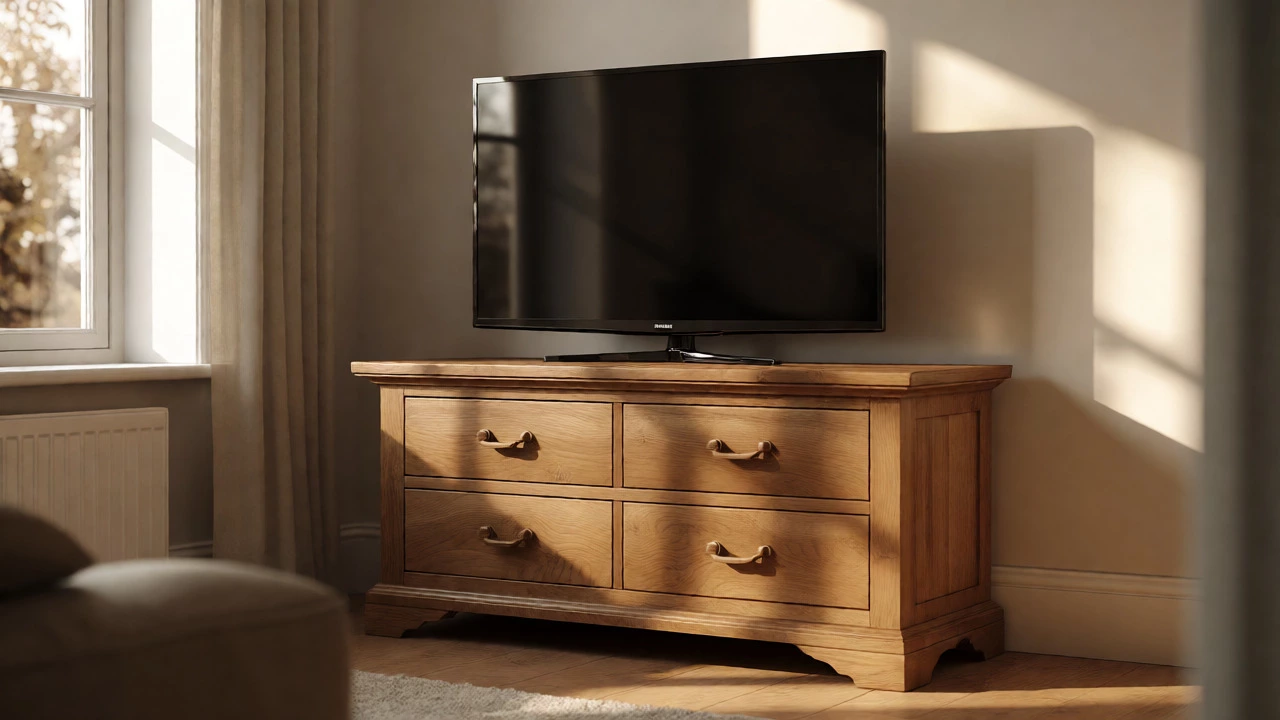
Dresser-to-TV Stand Compatibility Checker
Enter your furniture and TV details below to see if your dresser makes a safe and comfortable TV stand.
You’re staring at that empty corner of the living room. The new TV is on its way, but buying a dedicated media unit feels like a waste when you already have a solid oak dresser sitting in the spare bedroom. It looks nice. It has drawers for all those tangled cables and remote controls. But can you actually put a modern flat-screen on it without risking a crash?
The short answer is: usually, yes. But there are three specific things you need to check before you move that heavy piece of furniture. If you ignore them, you might end up with a cracked screen or a wobbly setup that drives you nuts every time someone walks past.
Check the Weight Capacity First
Most people worry about the width, but weight is where things get dangerous. Modern TVs are lighter than they used to be, but large screens (65 inches and up) still weigh between 40 and 70 pounds. Add a soundbar, a gaming console, and maybe a streaming box, and you’re pushing 80-90 pounds on top of your dresser.
Average dressers are built to hold clothes, not electronics. A standard particleboard dresser might only support 50-70 pounds on its top surface before sagging. Solid wood or high-quality plywood units can easily handle 100+ pounds. How do you know what you have? Flip it over. If you see exposed chipboard or thin veneer, be careful. If it’s solid hardwood or thick MDF with a sturdy frame, you’re likely safe.
Here’s a quick rule of thumb: if the dresser wobbles when you push down firmly on one corner, it won’t stay stable with a TV on it. Fix the wobble first-tighten screws, add shims under uneven legs-before adding any weight.
Height Matters More Than You Think
This is the most common mistake. Dressers are tall. Most are 30 to 36 inches high. When you sit on a sofa, your eye level is typically around 42 inches from the floor. If your TV center is too high, you’ll end up tilting your head back, causing neck strain during long viewing sessions.
For a comfortable setup, the center of your TV screen should be at or slightly below eye level while seated. Let’s do the math:
- Sofa seat height: ~18 inches
- Your eye level when seated: ~42 inches
- Ideal TV center height: ~40-42 inches
If your dresser is 32 inches tall, and your TV stand adds another 4 inches, plus half the TV height (say, 15 inches for a 55-inch model), your screen center ends up around 51 inches. That’s nearly 10 inches too high. You’ll feel it after an hour of Netflix.
What can you do? Choose a shorter dresser, lower your seating, or mount the TV on the wall above the dresser instead of placing it directly on top. Wall mounting solves the height issue completely and keeps the dresser free for storage.
Depth and Stability Are Non-Negotiable
Dressers are often deeper than they are wide. That’s good for stability, but bad if your room is small. Measure the depth of your dresser against the size of your TV base. Most modern TV stands are shallow (16-20 inches deep). Dressers can be 20-24 inches deep. This extra depth pushes the TV further into the room, which might block walkways or make the setup look bulky.
Stability is another factor. Dressers are top-heavy when loaded with clothes. Electronics don’t help that balance. If you have kids or pets, secure the dresser to the wall using anti-tip straps. These cost less than £10 and prevent the whole unit from tipping forward if someone pulls on a drawer while the TV is on top.
| Feature | Dresser | Dedicated TV Stand |
|---|---|---|
| Storage Type | Drawers (good for cables, games) | Open shelves/media cabinets |
| Cable Management | Poor (requires drilling holes) | Excellent (built-in cutouts) |
| Ventilation | Restricted if enclosed | Open airflow for consoles |
| Cost | Free (if you own it) | £50-£300+ |
| Aesthetic Fit | Traditional/Bedroom style | Modern/Living room style |
Solving the Cable Chaos
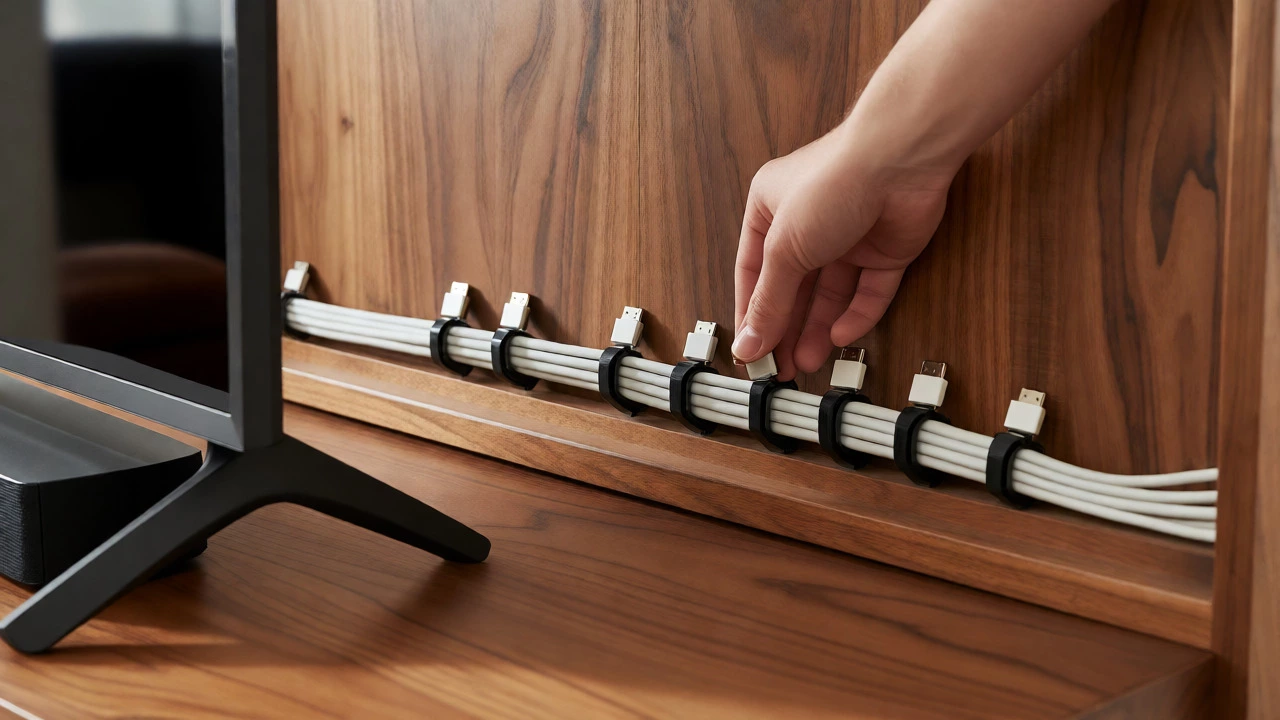
Dressers weren’t designed for HDMI cables. Unlike purpose-built TV stands, they rarely have pre-drilled holes in the back panel. This means your wires will dangle visibly behind the unit or snake out from the sides, looking messy.
You have two options here. First, drill your own cable management holes. Use a spade bit or hole saw to create 2-3 inch openings in the back panel near the bottom. Route cables through these holes so they disappear behind the dresser. Second, use adhesive cable clips along the back edge of the dresser to bundle wires together. This doesn’t hide them, but it tidies them up.
Also, consider heat. Consoles like PlayStation 5s generate significant heat. If you place them inside a closed drawer or on a shelf with no airflow, they can overheat. Leave open space around vents, or keep consoles on top of the dresser rather than inside drawers.
Aesthetic Considerations: Does It Look Right?
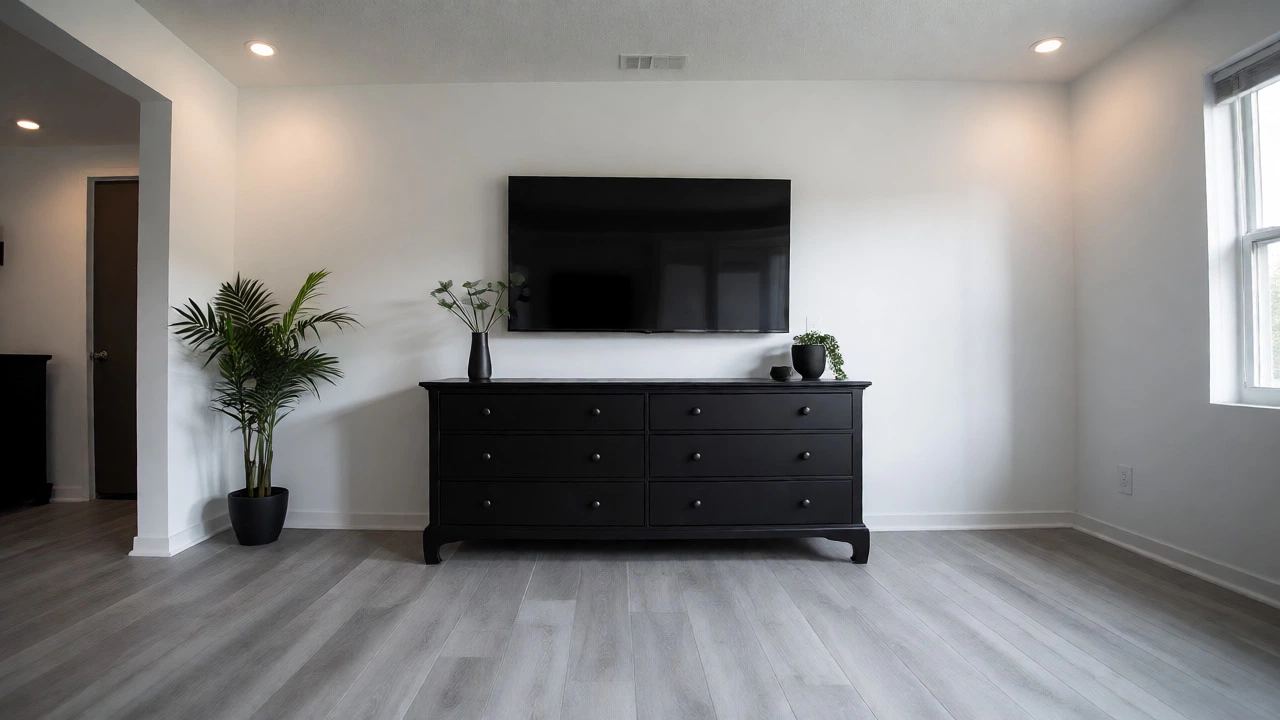
A dresser in a living room can look intentional and stylish, or it can look like you haven’t bought a TV stand yet. The key is styling. Remove any clutter from the top. Keep only the TV and maybe one decorative item. Use matching frames or plants to blend the dresser into the room’s decor.
If your dresser is ornate with carved handles, it works best in traditional or eclectic interiors. In a minimalist modern space, a sleek, handle-less dresser mimics a media console better. Paint it if needed. A coat of matte black or white paint can transform a dated wooden dresser into a contemporary media unit.
Another trick: remove the top drawer entirely if it blocks the view of the TV base. This creates an open shelf effect and lowers the visual bulk. Just ensure the remaining structure remains stable.
When Not to Use a Dresser
There are cases where a dresser just won’t work. Avoid using it if:
- The top is glass: Glass tops can crack under point loads from TV feet, especially if the dresser isn’t perfectly level.
- You have very young children: Drawers invite climbing. A child pulling out a lower drawer could tip the entire unit forward.
- The TV is huge (75+ inches): Large TVs require wider bases. Many dressers are narrower than 60 inches, making the TV look unstable or overhang awkwardly.
- You need frequent access to ports: If you plug/unplug devices daily, reaching behind a deep dresser is annoying compared to an open-back TV stand.
In these scenarios, investing in a proper TV stand saves headaches. But for most average-sized setups (up to 65 inches), a sturdy dresser works perfectly fine.
Final Checklist Before Moving Your Dresser
Ready to make the switch? Run through this list:
- Measure width: Ensure the dresser is at least as wide as the TV base.
- Check height: Calculate eye-level alignment; adjust seating if necessary.
- Test stability: Push down hard; fix wobbles.
- Secure to wall: Install anti-tip straps.
- Plan cables: Drill holes or buy clips.
- Clear the top: Remove knick-knacks that vibrate with bass.
Using a dresser as a TV stand isn’t just a budget hack-it’s a smart reuse of existing furniture. With minor adjustments for height and cables, you get functional storage and a stable platform without spending extra money. Just remember: safety first, aesthetics second.
Is it safe to put a TV on a dresser?
Yes, provided the dresser is sturdy enough to support the combined weight of the TV and accessories. Check for wobbling, ensure the top surface is flat and strong, and always anchor the dresser to the wall to prevent tipping, especially in homes with children or pets.
How high should a TV be on a dresser?
The center of the TV screen should be at eye level when seated, typically around 40-42 inches from the floor. Since dressers are often taller than standard TV stands, you may need to choose a shorter dresser, lower your seating, or mount the TV on the wall above the dresser to avoid neck strain.
Do I need to drill holes in my dresser for cables?
Not necessarily, but it improves appearance. Without holes, cables hang visibly behind the unit. Drilling 2-3 inch holes in the back panel allows you to route wires neatly behind the furniture. Alternatively, use adhesive cable clips to bundle wires along the back edge.
Can I put a soundbar on a dresser with a TV?
Yes, but watch the height. Placing a soundbar on the dresser raises it further from the screen, potentially disconnecting audio-visual sync visually. Ideally, mount the soundbar below the TV on the wall or place it directly in front of the TV base if space permits. Ensure it doesn’t block the TV’s infrared sensor.
What kind of dresser works best as a TV stand?
Solid wood or high-quality plywood dressers with a flat, wide top surface work best. Avoid glass-topped or lightweight particleboard units unless reinforced. A lower profile (under 30 inches) is preferable for ergonomic viewing, but can be compensated by adjusting seating height.
Write a comment