
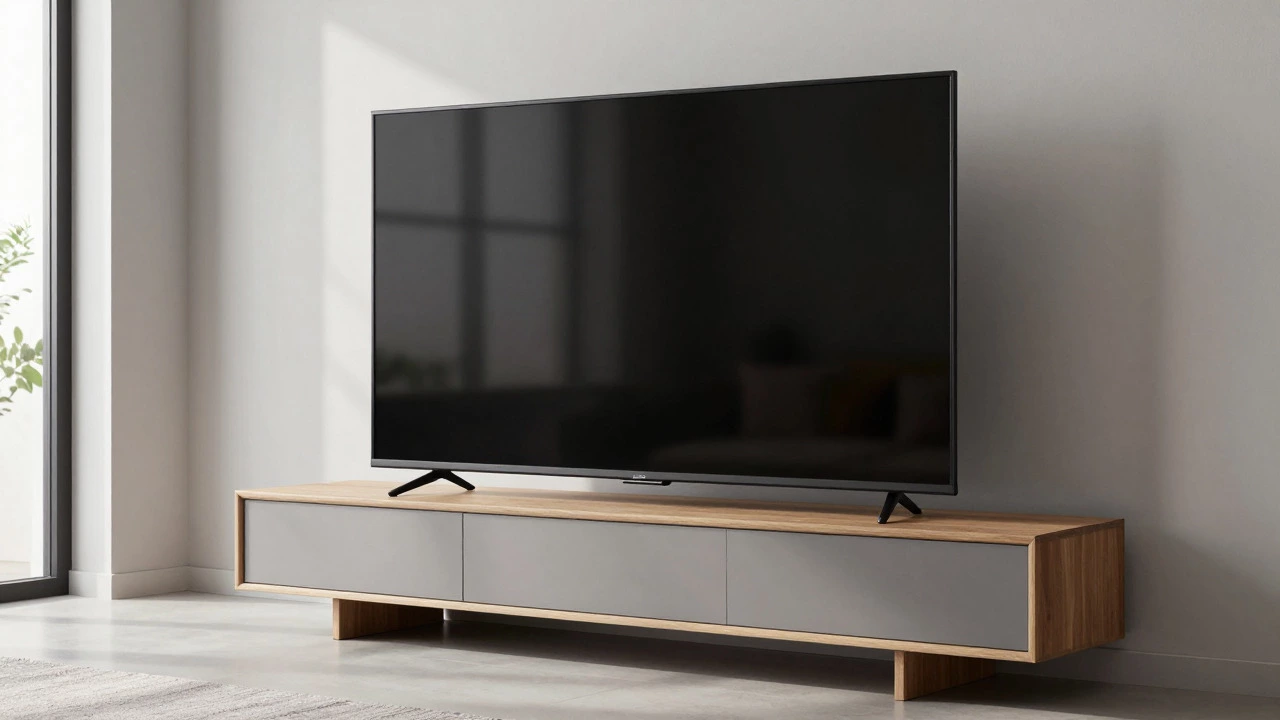
TV Stand Compatibility Checker
Enter your TV and stand dimensions to check stability, aesthetics, and safety.
Results will appear here
You’ve just ordered that sleek 65-inch OLED, only to realize your current media unit is a compact 120cm wide. Panic sets in. Will it tip over? Will it look like a giant screen sitting on a tiny stool? You’re not alone in this dilemma. As screens get bigger and living spaces stay the same, the question of whether a TV stand can be smaller than the television itself has become a common headache for homeowners.
The short answer is: yes, it is often okay, but it depends entirely on physics, aesthetics, and your specific setup. There isn’t one universal rule that covers every scenario. Instead, you need to balance structural stability with visual harmony. Let’s break down exactly how to decide if your current setup works or if you need to make some changes before that big screen arrives.
The Stability Factor: Physics vs. Aesthetics
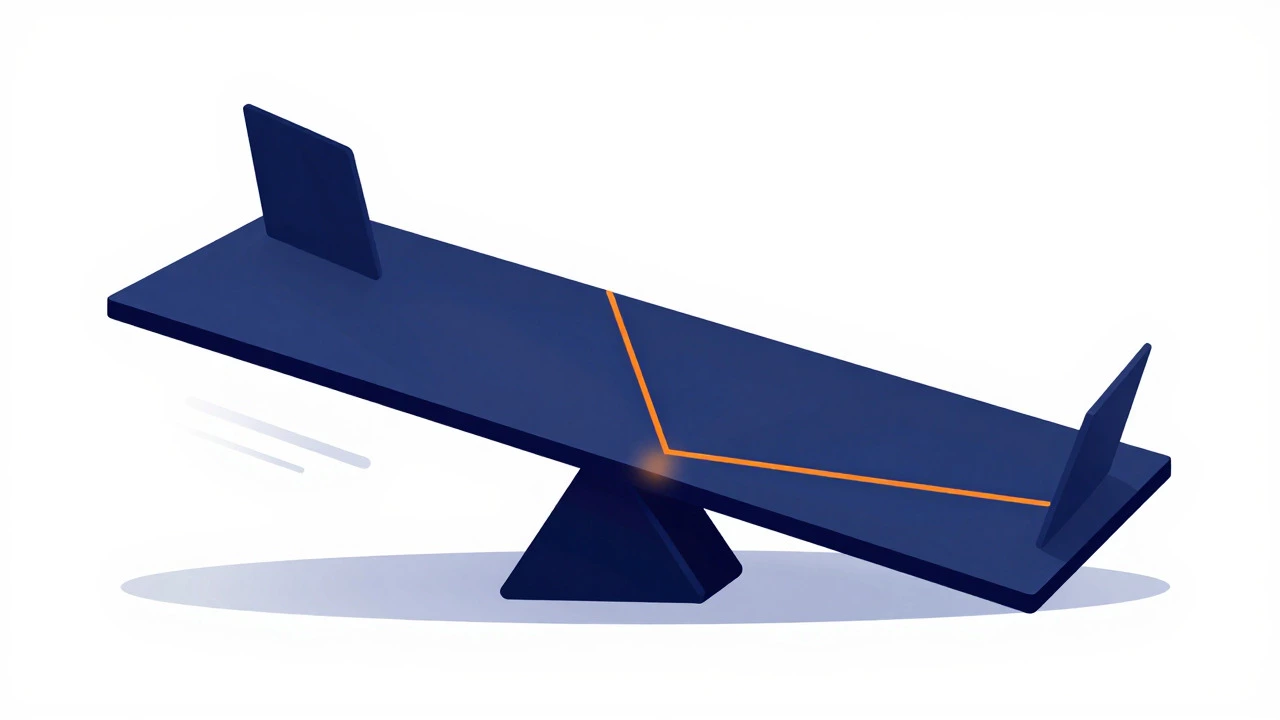
Before we talk about how it looks, we have to talk about how it sits. The biggest risk with a large TV on a small stand is tipping. This is particularly true if the stand has legs, open shelving, or a narrow footprint. A 75-inch panel is lightweight in terms of glass, but its center of gravity is high. If the base is too narrow, even a slight bump from a pet or a child can cause a wobble that ends in shattered glass.
To ensure safety, follow these practical rules:
- Check the depth: The stand should ideally be at least as deep as the TV’s width when measured front-to-back, or at least 80% of the TV’s diagonal measurement. If your stand is shallow, ensure the TV sits centered.
- Weight distribution: Heavy soundbars or gaming consoles placed on top can shift the center of gravity. Keep heavy items low, inside cabinets, rather than on the top surface next to the TV.
- Wall mounting as a backup: If the stand is significantly smaller (less than 90% of the TV width), consider using a wall mount instead. This eliminates the tipping risk entirely and frees up floor space.
If you stick with the stand, make sure the feet are flat and the floor is level. Uneven floors amplify instability. A simple spirit level check takes five minutes and saves potential disaster.
Visual Balance: Does It Look Weird?
Safety is non-negotiable, but style matters too. A huge screen on a tiny stand can look top-heavy, drawing attention to the mismatch rather than the content on the screen. However, "smaller" doesn't mean "ugly." It just means you need to manage the visual weight.
Here is how to make a smaller stand work aesthetically:
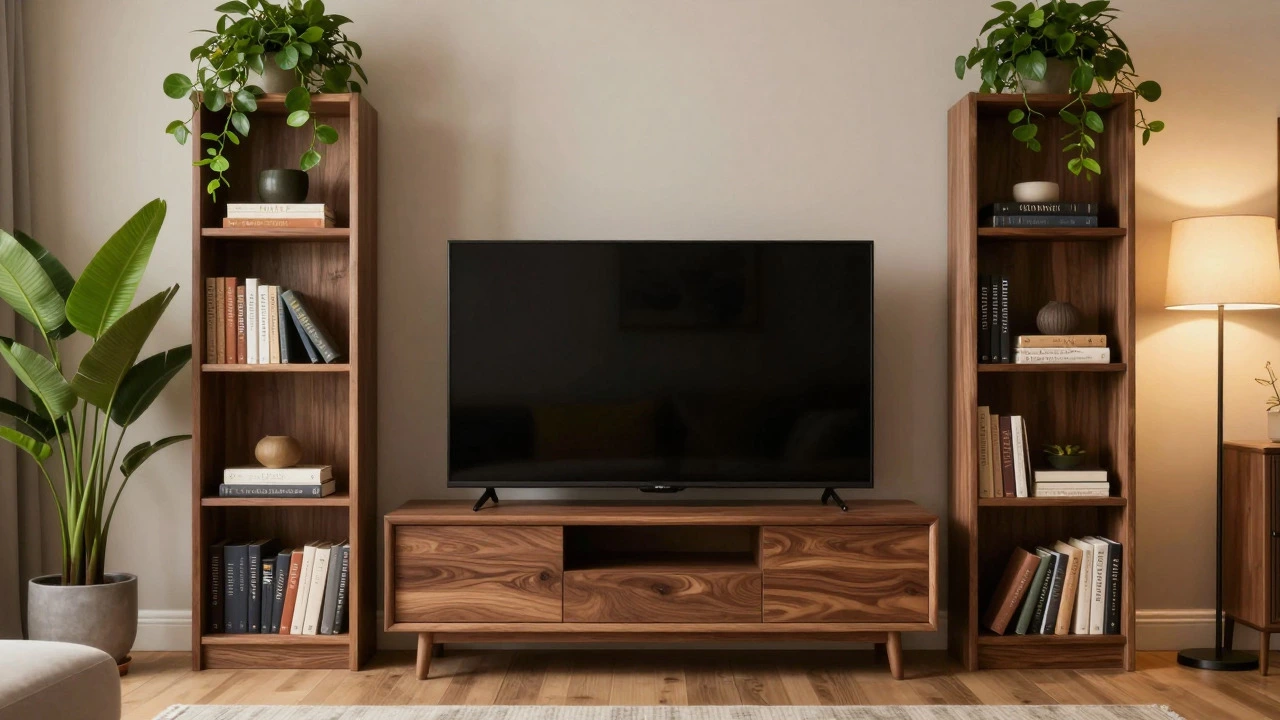
- Use vertical elements: Add tall bookshelves, plants, or speakers on either side of the TV stand. This creates a wider visual anchor, making the whole arrangement feel balanced.
- Keep the top clean: Avoid cluttering the top of the stand with knick-knacks. A clean line under the TV helps the eye focus on the screen, not the furniture.
- Match the height: Ensure the bottom of the TV is roughly at eye level when seated. If the stand is too low, the TV will look like it’s sinking into the furniture. If it’s too high, it feels floating. Adjust with risers if necessary.
Think of the TV stand as a stage, not a pedestal. The goal is to frame the experience, not compete with it. If the stand is modern and minimalist, a larger TV can actually enhance the look by creating a bold focal point. But if the stand is ornate or traditional, a massive screen might clash stylistically.
Common Scenarios and Solutions
Let’s look at real-world situations you might face. Each has a different approach.
Scenario 1: The Compact Apartment Setup
You live in a studio or small flat where space is tight. Your 55-inch TV sits on a 100cm console table. Is it okay? Yes, provided the table is sturdy. In small spaces, maximizing floor area is key. A smaller stand keeps the room feeling open. Just ensure the table has a solid top that can support the weight without bowing. Check the manufacturer’s weight limit; most solid wood consoles hold 50-100kg easily, which is more than enough for a mid-sized TV.
Scenario 2: The Open Shelving Unit
You have a beautiful oak media unit with open shelves on the sides. The central section is only 140cm wide, but your TV is 65 inches (about 145cm). It fits, barely. The problem here is that open shelves create a light, airy feel that contrasts with the heavy visual mass of a large TV. To fix this, fill the lower shelves with books or storage boxes to add visual weight. Leave the upper shelves empty or use them for decorative items that don’t block the view. This balances the heaviness of the screen with the lightness of the furniture.
Scenario 3: The Gaming Rig
You have a PC tower, a soundbar, and multiple controllers. Your stand is small, but you need space for all this gear. In this case, a smaller stand might actually be better because it forces organization. Use cable management clips to hide wires behind the stand. Place the PC tower on the floor beside the stand, not on top. This keeps the top surface clear for the TV and soundbar, reducing the risk of accidental bumps.
When You Should Upgrade
There are times when sticking with a smaller stand is a bad idea. Consider upgrading if:
- The TV is over 75 inches: Larger panels have a higher center of gravity and require a wider base for stability.
- The stand is made of particle board: Cheap materials may warp or crack under the concentrated weight of a large TV. Solid wood or metal frames are safer bets.
- You have young children or pets: Curiosity leads to bumps. A wider, sturdier stand offers more forgiveness.
If you do upgrade, look for stands with a width that is at least 10-15% larger than your TV. This provides a buffer zone for accessories and improves stability. For example, for a 65-inch TV (approx. 145cm wide), aim for a stand between 160cm and 180cm wide.
Practical Tips for Existing Setups
If you’re keeping your current smaller stand, here are quick fixes to improve both safety and style:
- Add anti-slip pads: Place felt or rubber pads between the TV feet and the stand. This prevents sliding and protects the finish.
- Use a VESA plate: Even if you’re not wall-mounting, a VESA plate can help distribute weight more evenly across the stand’s top surface.
- Anchor to the wall: If the stand is freestanding and near a wall, use L-brackets to secure it to the studs. This prevents tipping without drilling holes in the TV itself.
- Declutter aggressively: Remove anything that doesn’t serve a purpose. A cleaner look makes the size difference less noticeable.
Remember, the goal is to enjoy your entertainment without worrying about the furniture holding it up. With a few adjustments, you can make a smaller stand work perfectly well for a larger TV.
What is the ideal ratio between TV size and stand width?
Aim for a stand that is at least 90-100% of the TV's width for optimal stability. If the stand is smaller, ensure it is at least 80% of the TV width and use additional support methods like wall anchoring or anti-slip pads.
Can I put a 75-inch TV on a 120cm stand?
Yes, but it requires caution. A 75-inch TV is approximately 165cm wide. A 120cm stand is significantly smaller. Ensure the stand is very sturdy, place the TV centrally, and consider anchoring the stand to the wall to prevent tipping.
Does a smaller stand affect the viewing experience?
Not directly. The viewing experience depends on screen quality, brightness, and seating distance. However, a visually unbalanced setup can be distracting. Use surrounding decor to create visual harmony so your attention stays on the screen.
How do I know if my stand can hold my new TV?
Check the weight capacity listed by the furniture manufacturer. Most standard wooden stands hold 50-100kg. Compare this to your TV's weight plus any accessories. If the total is close to the limit, choose a heavier-duty stand or wall mount.
Is it better to buy a larger stand or a smaller TV?
It depends on your budget and space. If you already have a great TV, invest in a larger stand for stability and style. If you're buying new, match the TV size to your existing furniture to save money and avoid compatibility issues.
Write a comment