
TV Stand Size Calculator
Room & Setup Details
~58" Wide
Recommendation
Enter your details and click calculate to see the ideal stand size for your 65-inch TV.
- Visual Balance: -
- Safety Rating: -
- Space Utilization: -
Buying a new television is exciting. You pick the best screen, the smartest features, and maybe even the fastest refresh rate. But then you hit the wall: the furniture. Specifically, that awkward moment when you realize your beautiful 65-inch TV looks like it’s going to tip over because the stand underneath is too narrow. Or worse, it looks comically small, like a toy sitting on a giant shelf.
Getting the size right isn’t just about aesthetics. It’s about safety, balance, and making sure your living room doesn’t look cluttered or unstable. So, how long should a TV stand be for a 65-inch TV? The short answer is: anywhere from 48 inches to 72 inches wide. But the *right* answer depends on your wall space, your viewing distance, and whether you care more about style or function.
The Golden Rule of TV Stand Width
There is no strict law here, but interior designers and furniture experts generally agree on a simple ratio. Your TV stand should be roughly 70% to 100% of the width of your TV screen. Why this range? If the stand is narrower than the TV, the setup looks top-heavy and precarious. If it’s significantly wider-say, double the width-it can overwhelm the room and make the TV look tiny.
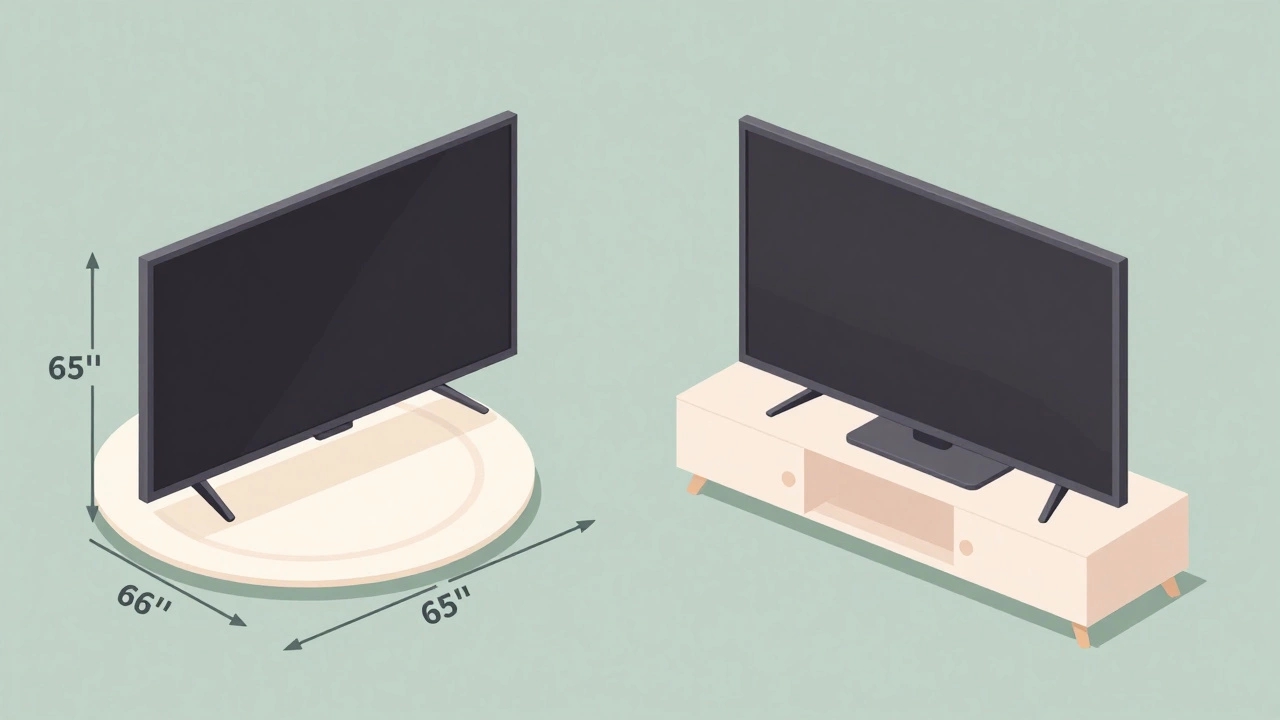
First, let’s get the actual dimensions of a 65-inch TV. The "65-inch" measurement refers to the diagonal length of the screen, not the width. Most modern 65-inch TVs have an aspect ratio of 16:9. This means the actual width of the screen is approximately 56.7 inches. Add in the bezel (the frame around the screen), and you’re looking at a total width of about 57 to 58 inches for most models.
Using the golden rule:
- Minimum Width: A stand that is 48 inches wide will work, but it might feel tight. The TV will extend slightly beyond the edges of the stand, which some people find stylish (a "floating" look) but others find risky.
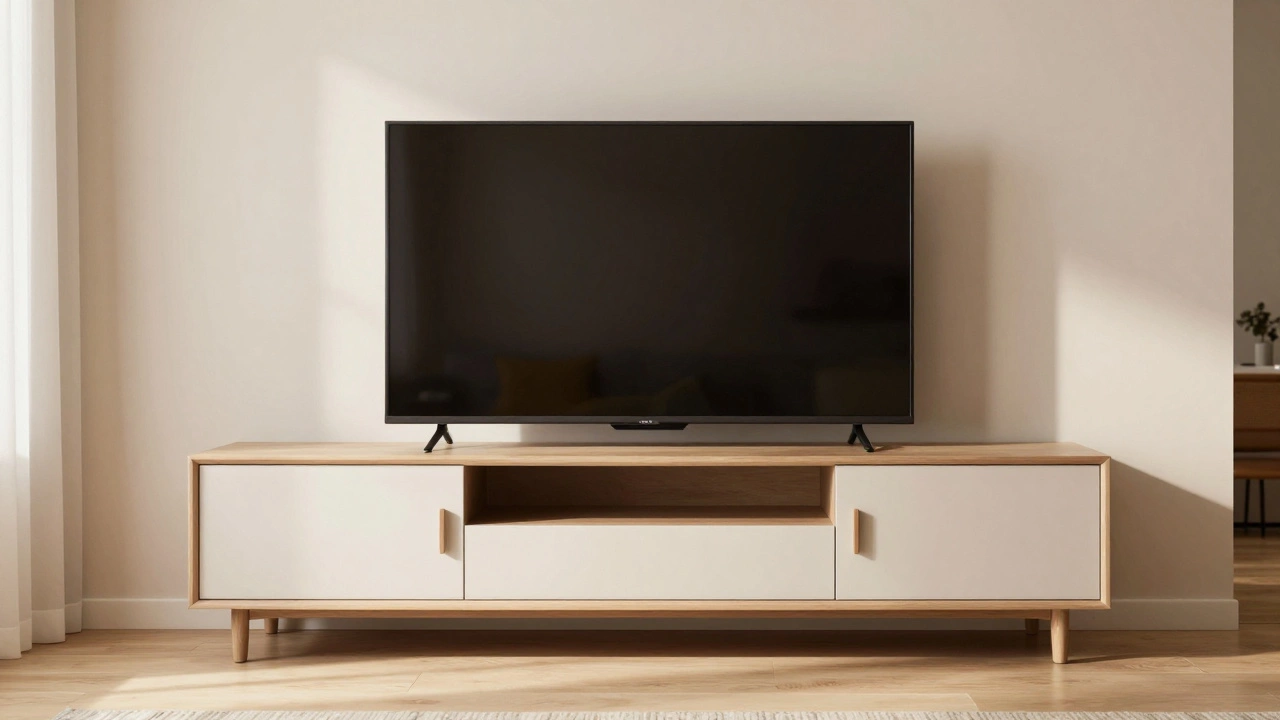
- Ideal Width: A stand between 58 and 65 inches wide creates perfect visual balance. The TV sits comfortably within the boundaries of the furniture.
- Maximum Width: A stand up to 72 inches wide works well if you want extra storage space for consoles, soundbars, or decor. Beyond 72 inches, the TV starts to look small relative to the furniture.
Why Visual Balance Matters More Than You Think
You might wonder why you can’t just put a 65-inch TV on a 36-inch stand. Technically, you can, as long as the VESA mount fits. But visually, it fails. Human eyes are wired to seek symmetry and stability. When a large object sits on a much smaller base, our brains register it as unstable. It feels like the TV is about to fall off.
Imagine placing a large dinner plate on a small saucer. It works, but it looks odd. Now imagine placing that same plate on a charger plate that matches its size. Suddenly, it looks intentional and elegant. The same principle applies to your living room. A 65-inch TV is a significant piece of technology. It demands a substantial base to ground it visually.
If you choose a stand that is too narrow, you also lose functional space. Where do you put your gaming console? Your streaming stick? Your cable box? A narrow stand forces you to stack items vertically, creating clutter. A wider stand allows you to spread things out horizontally, keeping the area clean and accessible.
Measuring Your Space: Don’t Skip This Step
Before you buy anything, you need to measure the wall where the TV will go. This seems obvious, but many people forget to account for doorways, windows, or existing furniture like sofas or armchairs.
Here’s what to check:
- Wall Length: Measure the total available wall space. Subtract at least 6 inches from each side to allow for breathing room. If your wall is 10 feet (120 inches) long, you have plenty of room for a 60- to 72-inch stand. If your wall is only 6 feet (72 inches) long, a 72-inch stand will block the entire view, leaving no space for side tables or lamps.
- Viewing Distance: For a 65-inch TV, the ideal viewing distance is between 6 and 10 feet. If you sit closer than 6 feet, the pixels might become visible, and the TV will dominate your field of vision. In this case, a larger stand might exacerbate the feeling of being cramped. Stick to the lower end of the width range (48-58 inches).
- Furniture Clearance: Ensure there is enough space between the TV stand and your sofa. You don’t want to bump into the stand when getting up or reaching for a remote. Leave at least 12 inches of clearance between the stand and any adjacent furniture.
Depth and Height: The Hidden Dimensions
While width gets all the attention, depth and height are critical for comfort and usability. A TV stand that is too shallow can cause issues with cables and ventilation. One that is too deep can push the TV too far forward, making it hard to see from the couch.
Depth: Most 65-inch TVs are relatively thin, often less than 3 inches thick without the stand. However, the TV’s built-in stand (if you use it) usually adds another 10 to 15 inches of depth. Therefore, your TV stand should be at least 15 to 18 inches deep. This ensures the TV sits securely without overhanging the edge. If you plan to mount the TV on the wall above the stand, you can get away with a shallower unit (12-15 inches), but deeper stands offer more storage for bulky items like game consoles.
Height: The center of the TV screen should be at eye level when you are seated. For most people, this means the bottom of the TV should be about 12 to 18 inches above the floor. Standard TV stands are typically 18 to 24 inches high. If your stand is taller than 24 inches, you may find yourself tilting your head back, which can lead to neck strain during long movie nights. Conversely, if the stand is very low (under 18 inches), the TV might be too close to the floor, making it difficult to access inputs and vents.
Style vs. Function: Choosing the Right Type
Not all TV stands are created equal. Your choice depends on whether you prioritize storage, aesthetics, or flexibility.
| Type | Best Width Range | Pros | Cons |
|---|---|---|---|
| Low-Profile Console | 58-65 inches | Sleek, modern look; keeps TV low | Limited storage; requires precise width match |
| Media Cabinet | 60-72 inches | Ample storage; hides cables and clutter | Bulkier; takes up more floor space |
| Corner Unit | 36-48 inches (each side) | Saves space in small rooms | Harder to balance a wide TV; limited viewing angles |
| Wall-Mounted Floating Shelf | 48-60 inches | Minimalist; easy to clean under | Requires sturdy wall anchors; less storage |
If you have a lot of equipment-multiple consoles, a soundbar, a Blu-ray player-a media cabinet with doors or drawers is your best bet. Look for one that is at least 60 inches wide to accommodate everything without crowding the TV.
If you prefer a minimalist look and mostly stream content, a low-profile console or floating shelf works well. Just ensure the width is sufficient to support the TV’s weight and dimensions. Remember, a floating shelf must be anchored securely into wall studs, not just drywall, especially for a heavy 65-inch model.
Stability and Safety: Don’t Compromise
A 65-inch TV weighs between 40 and 60 pounds, depending on the brand and model. That’s a lot of weight resting on a piece of furniture. Stability is non-negotiable.
Check the weight capacity of the TV stand. Most quality stands can hold 100 pounds or more, but always verify the specifications. If you’re buying a cheaper, particle-board stand, be cautious. These materials can sag or break under sustained heavy loads.
Also, consider the shape of the stand. A stand with a wide base and tapered legs is more stable than one with straight, narrow legs. If you have pets or young children, anchor the TV stand to the wall. Even a slight nudge can cause a top-heavy setup to tip over. Anti-tip kits are inexpensive and can prevent serious accidents.
If you choose a stand that is narrower than the TV (e.g., a 48-inch stand for a 58-inch-wide TV), ensure the TV’s own stand fits securely on the surface. Some TVs have wide, U-shaped bases that require a specific minimum width to sit flat. Check your TV’s manual for the required base width.
Pro Tips for a Seamless Setup
Once you’ve chosen the right size, here are a few tips to make your setup look professional and stay organized:
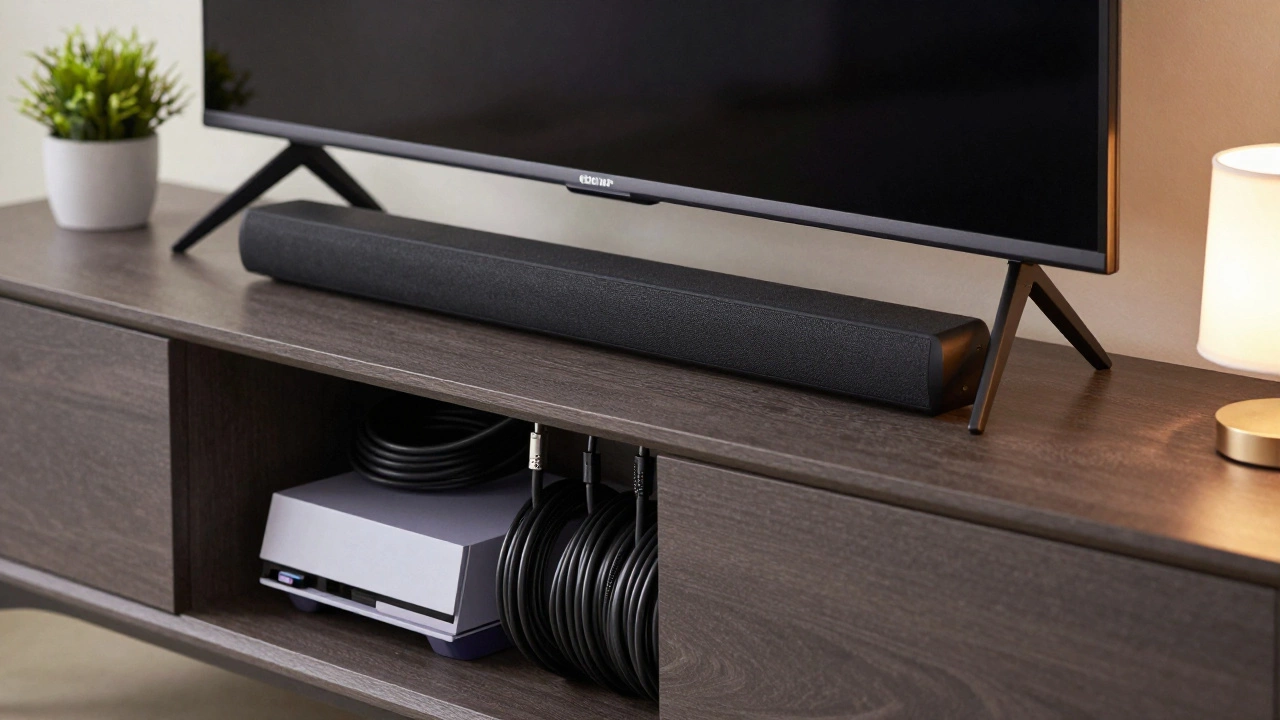
- Use Cable Management: Nothing ruins a nice setup like a tangle of wires. Use cord clips, sleeves, or built-in cable holes in the stand to keep wires hidden and tidy.
- Balance Decor: If your TV stand is wider than the TV, use the extra space wisely. Add a small plant, a lamp, or a decorative box to fill the empty space symmetrically. Avoid cluttering both sides equally; asymmetry can look more natural.
- Consider the Soundbar: If you have a soundbar, place it directly below the TV. Ensure the stand has enough depth and clearance so the soundbar doesn’t block the TV’s IR sensor or overheat.
- Lighting Matters: Install LED strip lights behind the TV or under the stand to reduce eye strain and add ambiance. This also helps define the space and makes the TV pop against the wall.
Common Mistakes to Avoid
Even experienced buyers make mistakes when choosing TV stands. Here are the most common pitfalls:
- Ignoring the TV’s Base: As mentioned, the TV’s own stand might be wider than the screen. Always measure the widest part of the TV, including its feet.
- Choosing Style Over Substance: A beautiful glass-top stand might look great, but if it can’t support the weight or lacks cable management, it becomes a hassle quickly.
- Forgetting Future Upgrades: If you plan to upgrade to a larger TV in the future, consider buying a stand that is slightly wider now. It’s easier to live with a big stand and a small TV than to replace the furniture later.
- Neglecting Wall Space: Don’t just measure the TV. Measure the entire wall and surrounding furniture. A stand that fits the TV might not fit the room.
Final Thoughts on Finding the Perfect Fit
Choosing the right TV stand for a 65-inch TV is about finding the sweet spot between form and function. Aim for a width between 58 and 65 inches for optimal visual balance. Ensure the depth is at least 15 inches to accommodate the TV’s base and any additional equipment. Prioritize stability by checking weight limits and anchoring options.
Remember, your living room is your sanctuary. The TV is just one part of the picture. By choosing a stand that complements your space and supports your tech safely, you create an environment that is both comfortable and visually appealing. Take your time, measure twice, and buy once. Your eyes-and your neck-will thank you.
Can I put a 65-inch TV on a 48-inch stand?
Yes, but it may look top-heavy and unstable. A 48-inch stand is narrower than the typical 58-inch width of a 65-inch TV. Ensure the TV's own base fits securely on the stand, and consider anchoring the stand to the wall for safety. This setup works best if you prefer a modern, minimalist look and have limited wall space.
What is the ideal depth for a TV stand for a 65-inch TV?
The ideal depth is 15 to 18 inches. This accommodates the TV's built-in stand and provides enough space for cables and small devices like streaming sticks. If you plan to mount the TV on the wall, a depth of 12 to 15 inches is sufficient.
How high should a TV stand be for a 65-inch TV?
A standard TV stand height is 18 to 24 inches. This places the center of the screen at eye level when seated, reducing neck strain. Avoid stands taller than 24 inches unless you have a recliner or unusual seating arrangement.
Is it better to have a TV stand wider or narrower than the TV?
It is generally better to have a TV stand that is equal to or slightly wider than the TV. A stand that is too narrow can look unstable and offer little storage. A stand that is too wide can make the TV look small. Aim for a width that is 70% to 100% of the TV's width.
Do I need to anchor my TV stand to the wall?
Yes, especially if you have children or pets. A 65-inch TV is heavy and can tip over easily if bumped. Anchoring the stand to the wall using an anti-tip kit is a simple and effective safety measure that prevents accidents.
What if my wall is too short for a wide TV stand?
If your wall is narrow, consider a corner TV stand or a wall-mounted floating shelf. Corner units save space and can fit into tight areas. Floating shelves free up floor space and can be customized to fit specific widths. Ensure the mounting hardware is secure and rated for the TV's weight.
Write a comment