
TV Placement Decision Tool
Fill out the form to see if a TV Stand or Wall Mount is best for you.
You’ve just bought that stunning 65-inch OLED screen. It’s crisp, it’s bright, and it takes up half your wall space. Now comes the real question: do you bolt it to the plaster or sit it on a piece of furniture? It sounds like a simple choice between two pieces of hardware, but it actually dictates how you live in your room for the next decade.
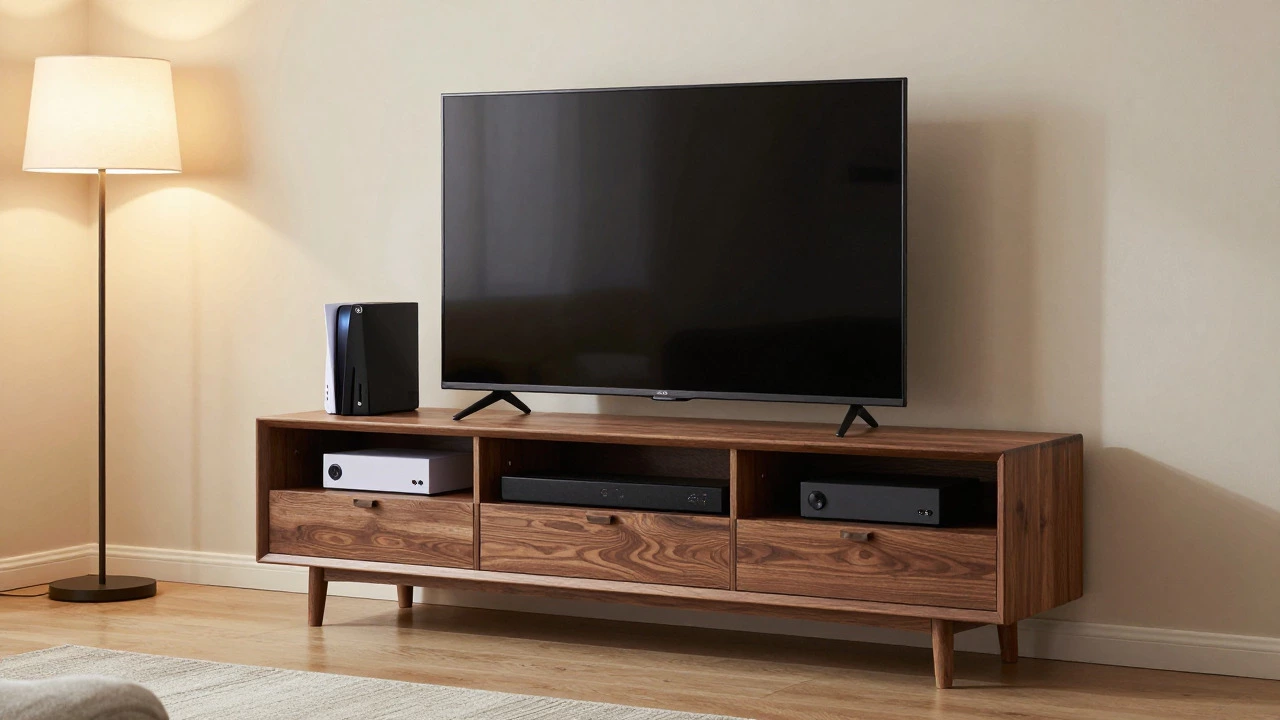
There is no single right answer. A TV stand is a piece of furniture designed to support a television set, offering storage and aesthetic integration into a room's decor. On the other hand, wall mounting saves floor space but hides your cables behind drywall. The decision depends on your room layout, your cable management tolerance, and whether you have toddlers who treat remote controls like chew toys.
The Case for the TV Stand: Stability and Storage
Let’s talk about why people still buy stands in an era where flat screens are thinner than tablets. The biggest advantage is flexibility. If you decide you hate the colour of your sofa or want to move the TV to the bedroom, you can pick up a stand and walk out the door. You don’t need a drill, a stud finder, or a contractor.
Storage is the other massive win. Modern TVs come with zero built-in storage. Your soundbar, game consoles, streaming sticks, and power bricks all need somewhere to go. A quality media console gives you drawers or shelves to hide this tech clutter. Without a stand, those boxes sit on the floor or look messy on open shelves.
Safety is also a factor. In 2026, televisions are lighter than they were ten years ago, but large models (75 inches and above) still weigh over 30 kilograms. If a child climbs on a low-profile unit, or if a pet jumps up, a poorly secured TV can tip. However, modern stands often include anti-tip brackets that anchor the unit to the wall, combining the benefits of both methods.
The Wall Mount Argument: Space and Aesthetics
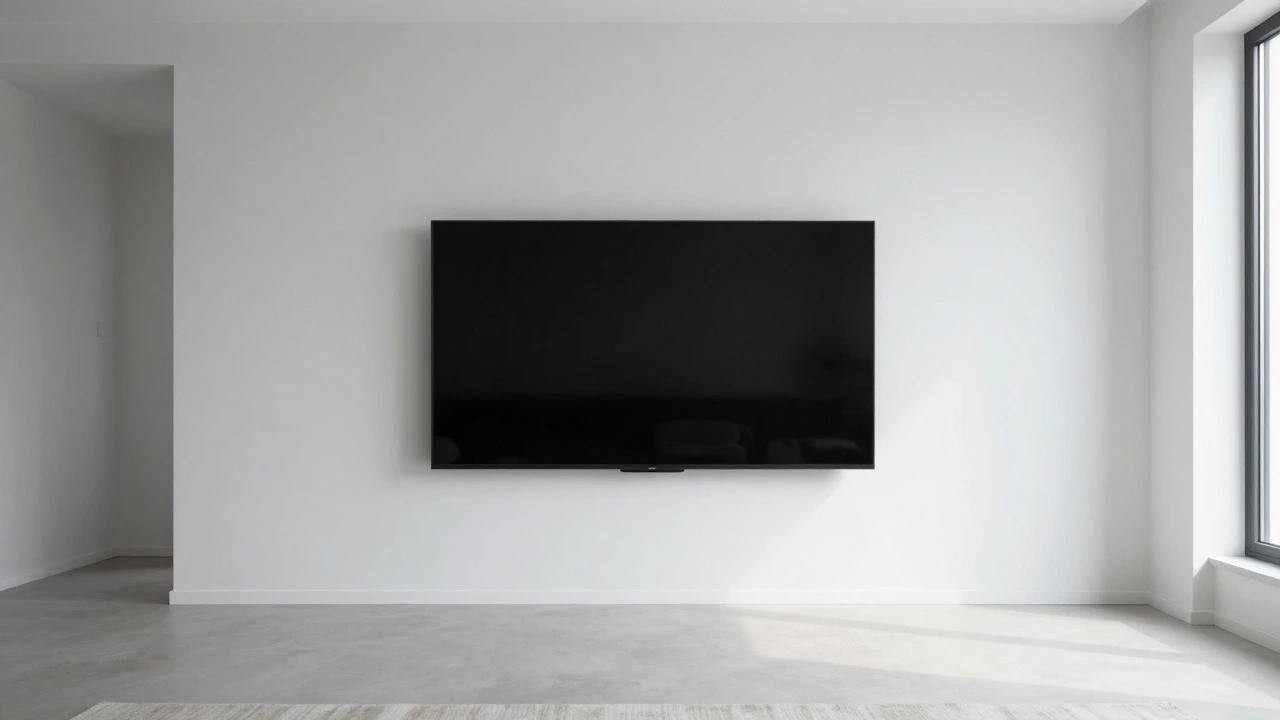
If you live in a small apartment in Birmingham or any dense urban area, floor space is premium currency. A wall mount frees up the entire footprint beneath the screen. This makes vacuuming easier and allows you to place a coffee table closer to the seating area without hitting a bulky cabinet.
Aesthetically, wall mounts create a ‘floating’ effect that many interior designers prefer for minimalist spaces. When done correctly, with cables hidden inside the wall using an in-wall kit, the TV looks like it’s part of the architecture rather than an object placed in the room. This is particularly effective in bedrooms or dining areas where you want the technology to disappear when not in use.
However, there are downsides. Once mounted, changing the viewing angle requires expensive motorised mounts that cost upwards of £150. Standard fixed mounts lock you into one position. If you find the glare from your window is too strong at 4 PM, you’re stuck with it unless you buy blackout blinds.
Cable Management: The Hidden Dealbreaker
Here is the truth most retailers won’t tell you: cable management is harder with a wall mount. With a stand, you can run HDMI and power cables through the back of the unit and plug them directly into the wall socket behind it. It’s not perfect, but it’s manageable.
With a wall mount, you have two choices. First, you can let the cables dangle down the wall, which looks terrible. Second, you can buy a surface-mounted raceway, which is better but still visible. The third option is drilling holes in your plasterboard and running cables inside the wall. This requires care to avoid electrical wires and plumbing, and it makes future upgrades difficult. If you plan to switch to a new TV model every three years, pulling old HDMI cables out of the wall is a nightmare.
Viewing Height and Ergonomics
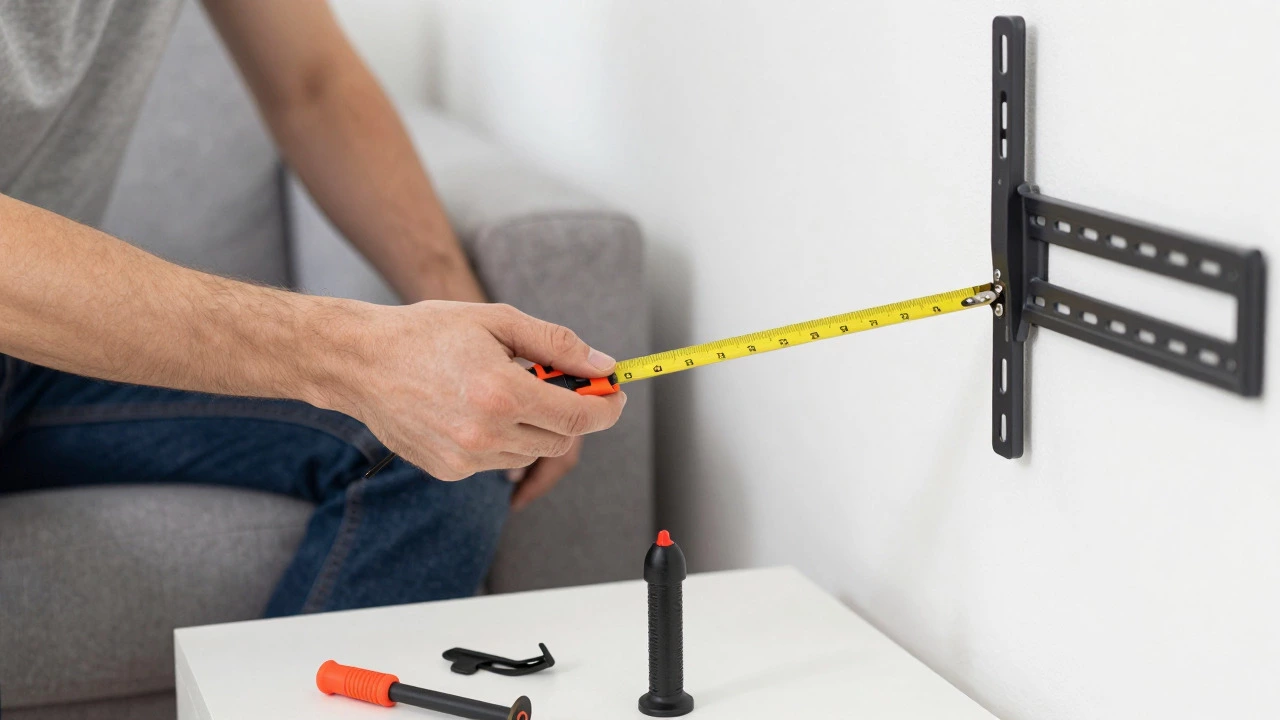
Your neck will thank you if you get this right. The general rule of thumb for ergonomic TV placement is that the centre of the screen should be at eye level when you are seated. For most adults, this means the bottom of the TV should be about 25-30 centimetres off the floor if you are wall-mounting it.
TV stands vary wildly in height. Some low-profile units sit only 15 centimetres high, forcing you to crane your neck upward. Others are taller, sitting at 50 centimetres, which might put the top of the screen above your eye line. Before buying a stand, measure your seating height. Sit on your sofa, mark your eye level on the wall, and ensure the TV’s centre aligns with that mark.
Wall mounts allow precise adjustment during installation. You can slide the bracket up or down by millimetres. With a stand, you are locked into the manufacturer’s design. If the stand is too low, you might need risers, which adds instability.
Heat Dissipation and Hardware Health
Televisions generate heat. The electronics inside the panel and the backlight system need airflow to prevent overheating, which can shorten the lifespan of the components. Most manufacturers specify a minimum clearance around the TV-usually 5 to 10 centimetres on all sides.
Enclosed TV stands with glass doors can trap heat if they lack ventilation slots. If you choose an enclosed cabinet, ensure it has mesh panels or active cooling fans. Wall-mounted TVs generally have better airflow because they are exposed to the room’s air circulation. Just make sure the mount doesn’t press against the back panel so tightly that it blocks vents.
Cost Comparison: What Are You Really Paying?
Let’s break down the financials. A decent wooden TV stand for a 65-inch screen costs between £150 and £400. Higher-end designer pieces can exceed £800. You pay once, and it lasts for years.
A basic wall mount bracket costs £20 to £50. An articulating arm that lets you pull the TV away from the wall costs £100 to £200. If you hire a professional installer to drill into brick walls (common in older UK homes), add another £50 to £100. So, the initial outlay for mounting is often lower, but the long-term value of a stand includes storage and durability.
| Feature | TV Stand | Wall Mount |
|---|---|---|
| Initial Cost | £150 - £400+ | £20 - £200 + Installation |
| Storage | High (Drawers/Shelves) | None |
| Mobility | Easy to move | Fixed (requires tools to remove) |
| Cable Management | Moderate (hidden behind unit) | Difficult (requires in-wall kits) |
| Floor Space | Takes up floor space | Saves floor space |
| Installation Difficulty | Low (plug and play) | High (drilling, stud finding) |
Room-Specific Recommendations
The best choice often depends on where the TV lives. In a **living room**, a stand is usually superior. It anchors the room visually, provides storage for family media devices, and fits naturally with sofas and coffee tables. It feels like part of the home, not just a tech accessory.
In a **bedroom**, a wall mount is often better. You want to maximise floor space for movement and cleaning. Also, in a bedroom, you likely have fewer cables-maybe just a streaming stick and a soundbar. A floating TV looks sleeker against a headboard or blank wall.
In a **kitchen** or **utility room**, consider a tilting wall mount. You need to see the screen while standing and cooking. A stand would be in the way of foot traffic and cleaning. Plus, kitchens are humid; keeping the TV elevated helps avoid splashes and steam damage near the floor.
Hybrid Solutions: The Best of Both Worlds?
Some modern furniture designs offer hybrid options. There are stands with integrated swivel arms that allow you to rotate the TV slightly, mimicking the adjustability of a mount. There are also wall-mounted cabinets that hold the TV and provide shelving below, though these are expensive and heavy.
If you love the look of a wall mount but hate the cables, consider a ‘false wall’ or a decorative screen that hangs in front of the TV when not in use. These are popular in high-end interiors but require significant customisation.
Safety First: Anchoring Your Investment
Whether you choose a stand or a mount, security is non-negotiable. For stands, always use the anti-tip kit provided by the manufacturer. Attach the strap or bracket to a wall stud or solid masonry. In the UK, where many homes have solid brick walls, this is straightforward. In newer builds with cavity walls, you may need specific anchors.
For wall mounts, ensure the bracket is anchored into studs (wooden frames) or solid brick/concrete. Drywall anchors alone are rarely sufficient for screens larger than 50 inches. If you rent, check your lease agreement before drilling. Many landlords allow minor repairs upon exit, but some prohibit any wall modifications.
Can I put a wall-mounted TV on a stand later?
Yes, but it requires effort. You must unscrew the VESA plate from the back of the TV, fill the holes in the wall, and then purchase a compatible stand. Ensure the stand’s width supports your TV’s base dimensions, as not all TVs fit all stands.
Do TV stands damage floors?
Heavy stands can dent hardwood or laminate floors over time. Use felt pads or rubber feet under the stand’s legs to distribute weight evenly and protect your flooring. This also prevents scratching when you clean underneath.
Is a wall mount safer for kids?
Not necessarily. A wall-mounted TV is out of reach for climbing, but if it falls, it crashes hard. A properly anchored stand with an anti-tip kit is very stable. The key is securing whichever method you choose to the wall structure.
How much clearance does a TV need behind it?
Most manufacturers recommend at least 5 to 10 centimetres of clearance behind the TV for heat dissipation. Check your user manual for specific requirements. Enclosed stands should have ventilation holes to allow air flow.
What is the ideal height for a TV stand?
The ideal height places the centre of the screen at your eye level when seated. Typically, this means the top of the stand should be around 40-50 centimetres high, depending on your TV’s size and your sofa’s seat height. Measure your setup before buying.
Write a comment