
TV Mounting Height Calculator
Find the exact height to mark on your wall. Enter your seated eye level and TV dimensions below.
Enter your measurements to see the ideal mounting height.
You’ve just unboxed your new 65-inch screen. You’re holding the drill, staring at the blank plasterboard, and suddenly you’re paralyzed by a single question: should TV be high or low on wall? It’s not just about aesthetics; it’s about whether you’ll end up with neck pain after two episodes of your favourite series. Getting this wrong is one of the most common DIY mistakes in UK homes, leading to screens that look like they’re floating awkwardly above a fireplace or buried too deep behind a sofa backrest.
The short answer? There is no universal "high" or "low." The perfect height depends entirely on where you sit and how you watch. But there is a golden rule that professional installers swear by, and once you understand the geometry of human sightlines, you’ll never guess again. Let’s break down exactly how to find that sweet spot for your specific setup, ensuring your home cinema feels immersive rather than exhausting.
The Golden Rule: Eye Level Is Everything
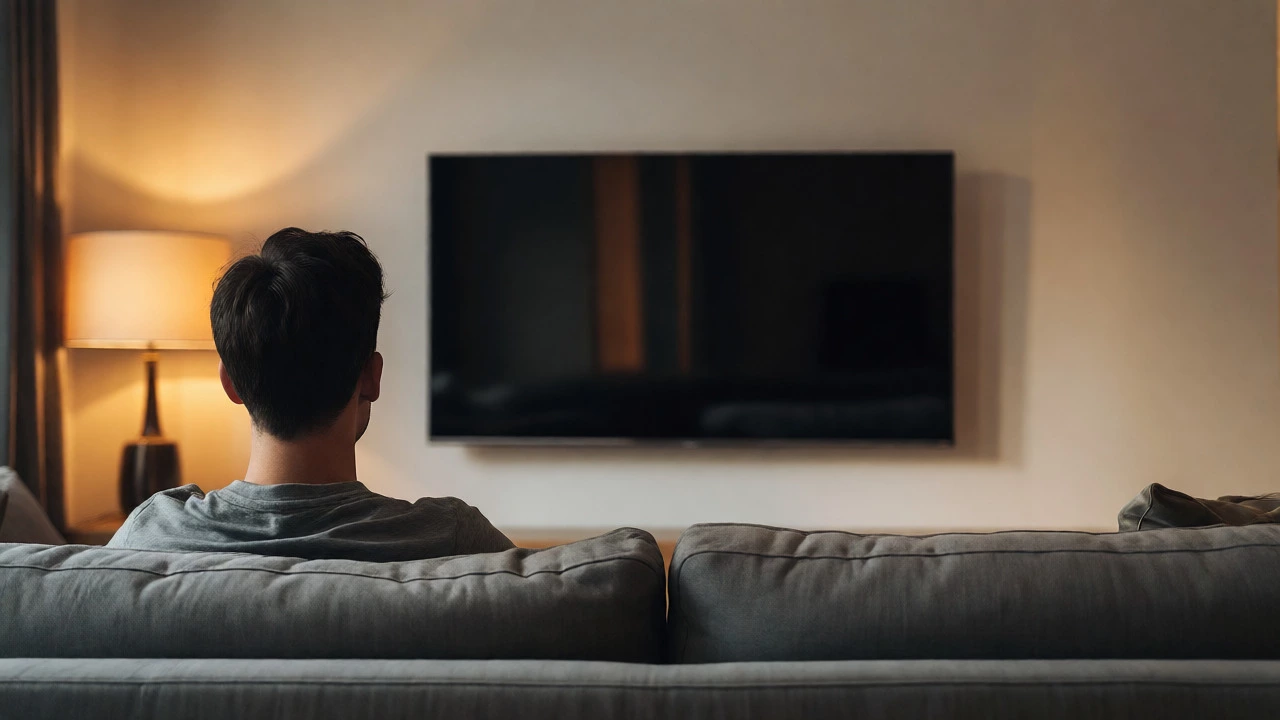
Forget what you see in luxury showrooms where TVs are mounted six feet off the ground next to a massive chandelier. Those setups are designed to impress guests standing up, not to comfort viewers sitting down. For daily viewing, the centre of your TV screen should align with your eye level when seated.
This isn’t just opinion; it’s ergonomics. When your eyes are level with the middle of the screen, your head remains neutral. You aren’t tilting your chin up (which strains the cervical spine) or craning your neck down (which causes shoulder tension). If you mount the TV too high, you’ll feel like you’re watching a presentation in a lecture hall. Too low, and it feels like you’re looking into a well.
How to Calculate Your Perfect Height
Don’t rely on tape measures alone. You need data from your actual furniture. Here is the step-by-step method used by interior designers to ensure precision.
- Sit on your main seating: Have someone measure the distance from the floor to your eye level while you are sitting naturally in your usual viewing position. Don’t slouch, but don’t sit rigidly upright either. Write this number down.
- Measure your TV: Find the total height of your TV stand or the TV itself if wall-mounted. Divide this number by two. This gives you the height of the screen’s centre point relative to its base.
- Do the math: Subtract half the TV height from your eye-level measurement. The result is the height from the floor to the bottom edge of your TV bracket or the top of your TV stand.
For example, if your eye level is 42 inches from the floor, and you have a 55-inch TV that is 30 inches tall, half the height is 15 inches. So, 42 minus 15 equals 27 inches. Your TV’s centre should be 27 inches from the floor? No, wait. Your eye level is 42. The centre of the TV needs to be at 42. If the TV is 30 inches tall, the bottom of the TV needs to be at 27 inches (42 - 15 = 27). Yes, that’s correct. Mark 27 inches from the floor for the bottom of the TV unit or the lowest point of the mount.
Why "High" Mounts Are Often a Mistake
Many homeowners instinctively want to hang the TV higher, often to accommodate a soundbar underneath or to keep it away from children’s reach. While practical, this creates significant ergonomic issues.
When a TV is mounted above the recommended eye line, you are forced to tilt your head upward. Over time, this leads to "tech neck," a condition characterized by stiffness and pain in the upper back and neck. A study published in the Journal of Physical Therapy Science highlighted that sustained upward gaze increases pressure on the cervical discs. In a living room setting, where you might spend three to four hours a day watching content, this cumulative strain is real.
Furthermore, mounting a large screen too high distorts the image perspective. Modern flat panels use LCD or OLED technology which maintains colour accuracy across wide angles, but the physical geometry of looking up at a large rectangle can make the image appear trapezoidal, reducing the cinematic feel.
When Going Low Actually Works
Is lower ever better? Yes, but only in specific scenarios. If you have a very shallow seating arrangement-say, a sofa placed close to the wall-a lower mount can actually improve immersion. When the screen is closer to eye level or slightly below, it fills more of your peripheral vision without requiring neck extension.
Another case for lower placement is multi-purpose rooms. If your living room doubles as a play area for young children, keeping the TV lower reduces the risk of it being knocked over during roughhousing. However, safety brackets are non-negotiable here. Never assume gravity will hold a £800 television steady against a toddler’s curiosity.
Also, consider the angle of incidence. If you plan to watch sports or action movies, a slight downward tilt (achieved by mounting the TV slightly higher than strict eye level but angling it down) can sometimes mimic the experience of stadium seating. But this is a niche preference. For general drama and comedy, stick to the eye-level rule.
Special Cases: Fireplaces and Corner Units
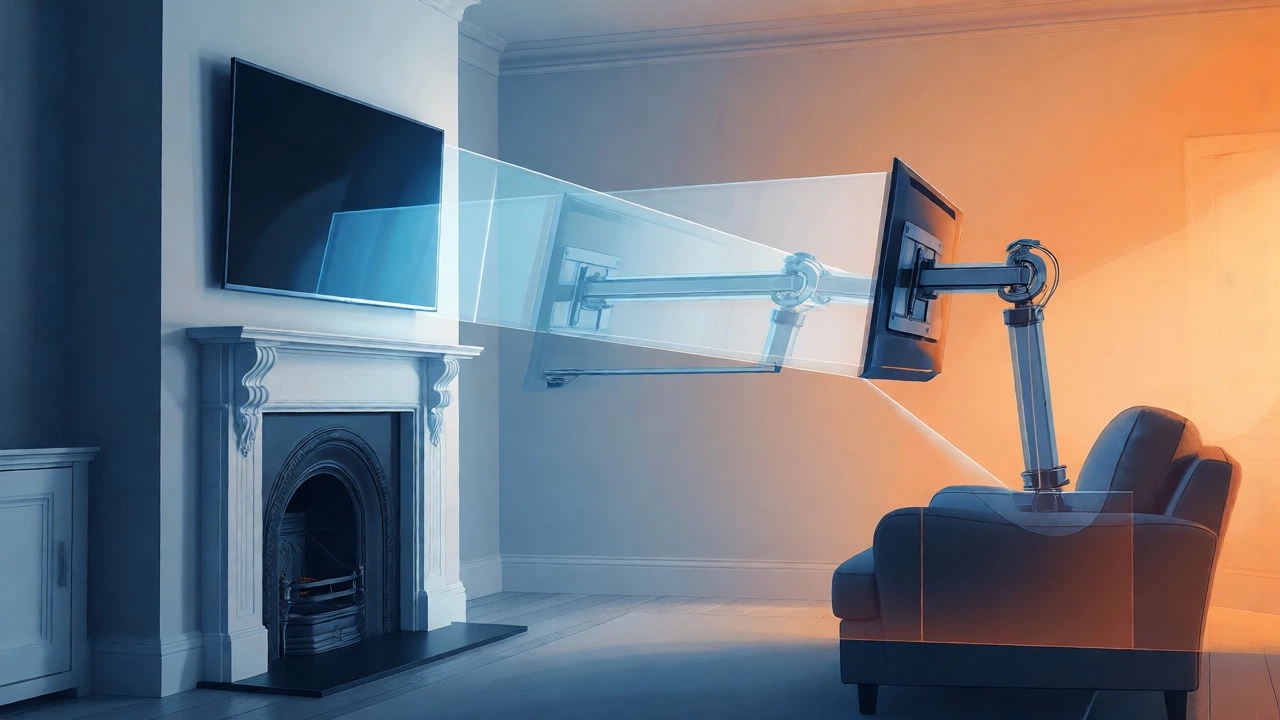
The biggest challenge in British homes is the fireplace. We love our fireplaces, but they force us to compromise. If you must mount above a gas or electric fire, you have to go high. But you can mitigate the discomfort.
- Use a full-motion arm: This allows you to pull the TV out and tilt it down towards the sofa. This brings the screen closer to your face and adjusts the angle, reducing the need to crane your neck.
- Choose a larger screen: Paradoxically, a bigger TV mounted high can feel less awkward than a small one because the increased size compensates for the distance, filling your field of view more effectively.
- Add a riser: If using a TV stand, add a sturdy wooden riser to lift the screen to eye level, rather than letting it sit directly on the cabinet surface.
Corner units present a different problem. They push the TV further away from the primary seating area. Because the distance increases, the optimal height often needs to be adjusted. The further away you sit, the less critical exact eye-level alignment becomes, allowing for slightly more flexibility in height. However, glare from windows becomes a major issue in corners, so check light sources before drilling holes.
Comparing Mounting Options
To help you decide, let’s look at how different mounting styles affect height and usability.
| Mount Type | Height Flexibility | Ergonomic Score | Best For |
|---|---|---|---|
| Fixed Wall Mount | Low (Set once) | High (If measured correctly) | Dedicated media rooms with fixed seating |
| Tilt Wall Mount | Medium (Adjustable angle) | Very High | Rooms with high ceilings or fireplaces |
| Full-Motion Arm | High (Pull out & tilt) | Variable (Depends on usage) | Multi-use spaces or corner installations |
| TV Stand (Pedestal) | Fixed (By furniture design) | Moderate | Rentals or frequent re-arrangers |
Avoiding Common Pitfalls
Even with the right calculations, things can go wrong. One frequent error is ignoring the cable management path. If you mount the TV too low, hiding cables behind the stand is easy. Mount it high, and you’ll need conduit channels running down the wall, which can look messy if not painted perfectly.
Another mistake is failing to account for the TV’s bezel thickness. Some modern TVs have negligible borders, while older models have thick frames. Measure the actual visible screen area, not just the outer casing, when determining the visual centre. A 2cm difference in bezel width shifts the perceived centre, potentially throwing off your alignment.
Finally, consider the ceiling height. In period properties with high ceilings, a standard eye-level mount might leave a large gap between the TV and the mantelpiece or shelf above. This looks disjointed. In these cases, creating a gallery wall around the TV or using a custom surround can bridge the visual gap, making the height feel intentional rather than accidental.
Final Checklist Before You Drill
Before you pick up the hammer, run through this quick audit:
- Have I measured my eye level while seated in my normal posture?
- Did I subtract half the TV height from my eye level to find the bottom mark?
- Is there enough clearance for cables and plugs behind the TV?
- Will sunlight reflect off the screen at this height during peak hours?
- Does the mount weight rating exceed the TV’s weight by at least 20%?
Getting the height right transforms a house into a home. It’s the difference between feeling tired after a movie night and feeling relaxed. Take the extra ten minutes to measure properly. Your neck will thank you.
What is the ideal TV height for a bedroom?
Bedroom viewing is unique because you are often lying down or propped up against pillows. Therefore, the TV should be mounted higher than in a living room-typically 6 to 12 inches above eye level-to compensate for the reclined posture. Using a tilt-mount is highly recommended to angle the screen down towards your face.
Can I mount a TV above a gas fireplace?
Yes, but with caution. Heat rises, and direct exposure to excessive heat can damage internal components. Ensure there is at least 12 inches of clearance between the top of the firebox and the bottom of the TV. Use a mantle or heat shield to deflect rising hot air, and always use a full-motion mount to allow for airflow and viewing angle adjustments.
How far should the TV be from the wall?
For a flush mount, the gap should be minimal, usually under 2 inches, to save space. However, you need enough depth to plug in HDMI cables and power cords. Check your TV’s port location; if they face backwards, you’ll need a mount with a deeper profile or angled adapters to prevent the TV from sticking out awkwardly.
Does TV size affect mounting height?
Indirectly, yes. Larger TVs require the centre point to remain at eye level, meaning the bottom edge sits lower on the wall compared to smaller TVs. Conversely, if you mount a small TV at the same bottom-edge height as a large one, its centre will be too high, causing neck strain. Always calculate based on the specific model’s dimensions.
Is it safe to mount a TV on plasterboard?
Plasterboard alone cannot support heavy TVs. You must locate the wooden studs behind the wall using a stud finder and screw into them. If studs are unavailable, use specialized toggle bolts rated for the TV’s weight, but stud mounting is significantly safer and more stable for long-term use.
Write a comment