
TV Stand Size Visualizer
Enter your TV's diagonal size to find the recommended console width and height for a balanced look.
Recommendations
Calculating...--
Range: ----
For optimal sightlinesYou just spent good money on a sleek 55-inch OLED. You mounted it perfectly on the wall. It looks like a portal to another world. Then you look down. The empty space beneath it feels awkward. Too much wall? Not enough visual weight? This is the classic "floating TV" dilemma. People often think that because the TV is off the floor, they don't need furniture below it. That’s a mistake. A media console isn’t just for holding the screen anymore; it anchors the room, hides cables, and balances your design.
So, how wide should this new piece of furniture be? There isn’t one magic number, but there are solid rules of thumb that prevent your setup from looking top-heavy or cramped. Let’s break down exactly what you need based on your specific TV size and room layout.
The Golden Rule: Width vs. Visual Balance
Here is the most common question: "Should my TV stand be wider than my TV?" The short answer is yes, usually. If your TV is 48 inches wide and your stand is only 40 inches wide, the TV will visually "spill" over the edges. It creates a sense of instability, even if the mount is secure. Conversely, if your stand is twice as wide as the TV, the TV might look like a small picture frame on a large blank canvas.
Aim for a balance where the stand is roughly 1.2 to 1.5 times wider than the actual display area of the TV. Note that I said display area, not the diagonal screen size. A 65-inch TV has a physical width of about 57 inches. So, you’d want a console between 68 and 85 inches wide. This gives you breathing room on both sides without making the furniture dominate the wall.
Why does this matter? Human eyes crave symmetry and proportion. When objects are aligned properly, our brains register the space as calm and organized. When things feel disjointed-like a huge TV hovering over a tiny table-we perceive clutter and chaos, even if the room is technically tidy.
Height Matters More Than You Think
While width gets all the attention, height is actually more critical for comfort. Since your TV is wall-mounted, you control its vertical position. But your furniture needs to match that height to maintain sightline flow.
Most modern media consoles range from 16 to 24 inches in height. For a wall-mounted setup, lower is generally better. Why? Because it keeps the focus on the screen. If you buy a tall cabinet (say, 30 inches high), it starts competing with the TV for attention. It also raises the center of gravity for any decor you place on top, which can make the whole arrangement feel precarious.
| TV Diagonal | Approx. TV Width | Ideal Console Width | Max Recommended Height |
|---|---|---|---|
| 43 - 50 inch | 38 - 44 inches | 48 - 60 inches | 18 inches |
| 55 inch | 48 inches | 60 - 72 inches | 20 inches |
| 65 inch | 57 inches | 70 - 85 inches | 22 inches |
| 75 inch | 66 inches | 80 - 96 inches | 24 inches |
| 85+ inch | 74+ inches | 90+ inches | 24 inches |
These numbers assume standard viewing distances. If you sit very close to the screen, you might prefer a slightly smaller console to keep the footprint compact. If you have a deep sofa set far back, a larger, more substantial unit helps fill the visual gap.
Depth: Don’t Forget the Proportions
Width is horizontal, but depth is about presence. Standard TV stands are typically 16 to 20 inches deep. This is plenty of space for soundbars, game consoles, and Blu-ray players. However, since your TV is on the wall, you aren’t constrained by the need to support the TV’s weight on the surface.
This freedom allows you to go shallower. A slim console at 12-14 inches deep can make a small living room feel larger. It reduces visual bulk. Just check your equipment first. Does your cable box stick out? Is your amplifier bulky? Measure your deepest device. Add two inches for ventilation and cable management. That’s your minimum depth.
Pro tip: If you go shallow, ensure the console has a sturdy base or wall-anchoring capability. Lighter units can wobble if you bump them, and since they aren’t supporting the TV, they rely entirely on their own stability.
Cable Management: The Hidden Job
One of the biggest reasons people hesitate to add furniture under a wall-mounted TV is fear of visible wires. You spent hours hiding HDMI cords inside the wall, so why put a big box underneath?
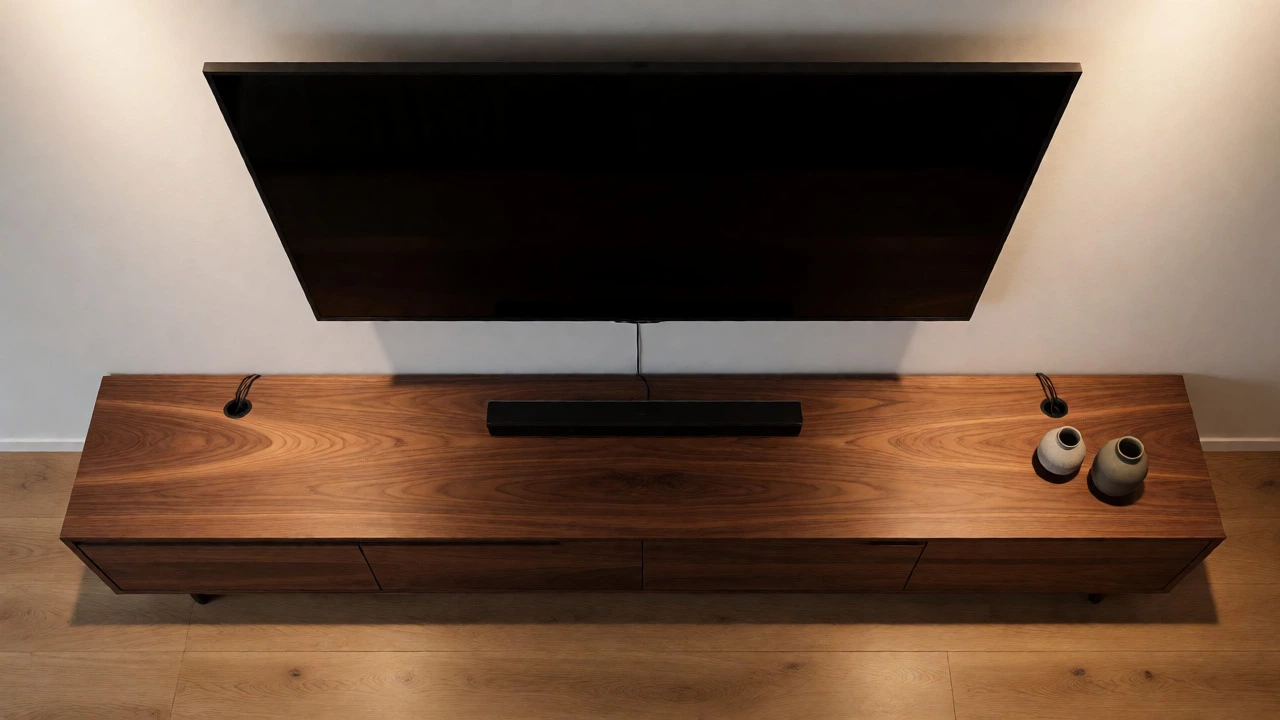
Because you still need power outlets, source devices, and maybe a gaming PC. Even if everything is wireless, you likely have a router, a streaming stick, or a smart home hub. A console provides a clean "home" for these items. Look for units with rear cutouts or grommets. These allow you to pass cables through neatly rather than draping them over the back edge.
If your wall mounting kit includes a cable concealment channel, great. But those channels rarely hide everything. A console acts as a secondary shield. Place your devices inside, close the doors, and suddenly the tech disappears. Only the screen remains visible. This minimalist effect is hard to achieve without some form of storage below.
Style and Material Choices
Now that you know the dimensions, let’s talk aesthetics. Your choice depends heavily on the rest of your room.
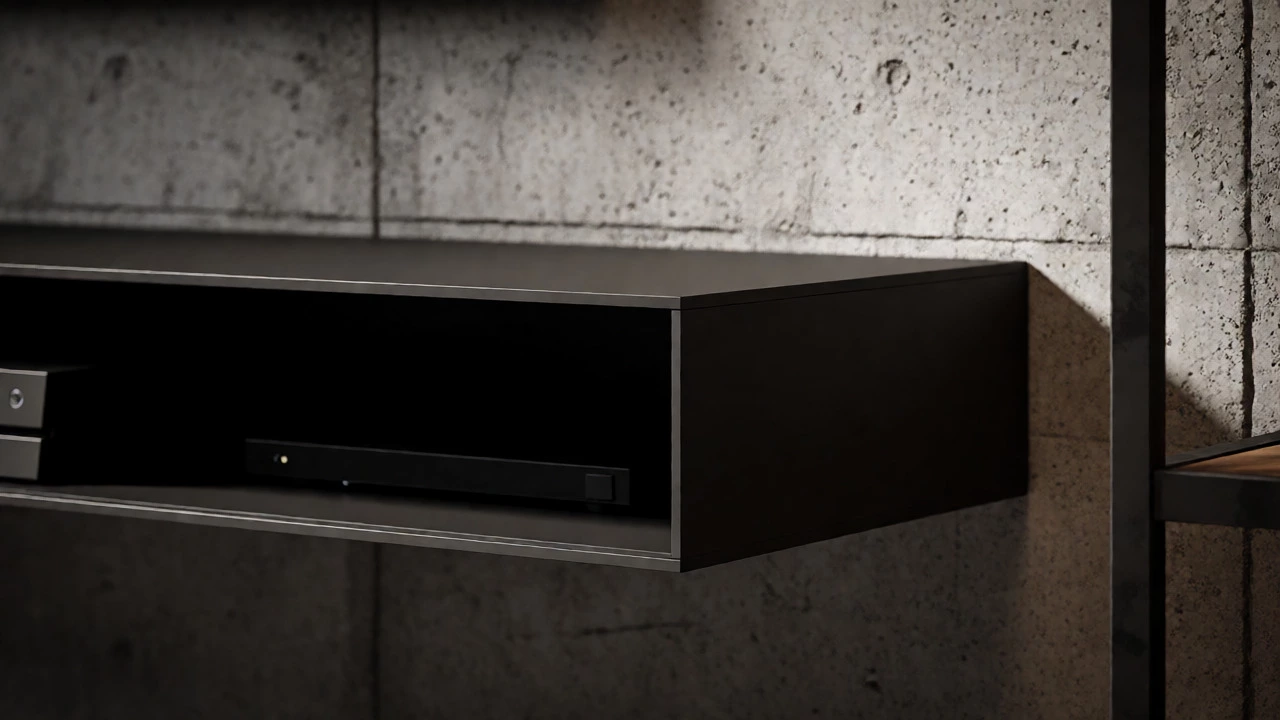
- Floating Consoles: These attach directly to the wall, leaving the floor clear. They are perfect for modern, airy spaces. They make rooms look bigger because you can see the flooring continue uninterrupted. Ensure your wall studs can handle the load plus your devices.
- Low Profile Cabinets: Traditional legs or plinths touching the ground. These offer maximum stability and storage volume. Good for families with kids or pets who might knock into things.
- Bench Style: Long and low, often without doors. Great for displaying books or art alongside electronics. Keeps the vibe casual and open.
Material matters too. Dark woods (walnut, oak) add warmth and ground the space. White or light grey finishes reflect light and suit Scandinavian or industrial interiors. Metal frames add an industrial touch but can feel cold if not balanced with soft textiles nearby.
Common Mistakes to Avoid
Don’t just buy the biggest thing that fits. Oversizing is a real problem. A massive 8-foot console under a 55-inch TV can overwhelm a medium-sized room. It eats up floor space and makes the TV seem insignificant.
Another error is ignoring the fireplace. If your TV is above a fireplace, the mantel shelf often dictates the width. Ideally, your console should align with or be slightly narrower than the mantel. If the console is wider, it breaks the architectural line of the fireplace, creating a disjointed look.
Finally, forget about "matching sets." You don’t need your coffee table to match your TV stand exactly. In fact, mixing materials often looks more curated. A wood console with metal accents pairs well with a glass coffee table. Contrast adds interest.
Practical Checklist Before Buying
Before you click "add to cart," run through this quick list:
- Measure your TV’s actual width, not just the diagonal. Check the manufacturer’s spec sheet.
- Measure your available wall space. Leave at least 6 inches of clearance on either side of the console for easy access and visual breathing room.
- Check your device depths. Make sure the console interior is deep enough for your widest component.
- Consider seating distance. Sit on your main sofa. Can you reach the remote easily? Is the screen angle comfortable relative to the console height?
- Verify weight limits. Even though the TV is mounted, the console holds other gear. Ensure shelves can support heavy receivers or gaming PCs.
Remember, the goal is harmony. The TV is the focal point, but the stand supports it structurally and aesthetically. Get the proportions right, and your living room will feel intentional and polished.
Can I use a floating shelf instead of a full TV stand?
Yes, especially if you have minimal components. A single wide floating shelf can hold a soundbar and a few decorative items while keeping the floor clear. However, ensure the shelf is anchored securely into wall studs. Without hidden storage, you must manage cables meticulously to avoid a messy look.
Does the TV stand need to match the TV brand?
No, absolutely not. Furniture style should complement your room's decor, not the electronics brand. Many TV manufacturers sell expensive branded stands that are often generic in design. Choose a stand that matches your aesthetic preferences and functional needs instead.
How far should the TV stand be from the wall?
Typically zero inches if it's against the wall. However, leave 1-2 inches behind the unit for airflow and cable routing. Some designers pull furniture slightly away from walls to create a sense of depth, but for media consoles, flush placement is standard to maximize stability and minimize dust traps.
What if my room is too narrow for a wide console?
In narrow rooms, opt for a taller, narrower unit or a floating console. Vertical storage saves horizontal space. Alternatively, choose a console that is equal in width to the TV rather than wider. This prevents the furniture from protruding into walkways while still providing necessary storage.
Do I need a special stand for curved TVs?
Not necessarily. Most curved TVs are designed to be wall-mounted using standard brackets. The stand below doesn't interact with the curve unless you're placing the TV on it. If you are placing the TV on the stand, ensure the stand surface is flat and wide enough to accommodate the curved base's footprint.
Write a comment