
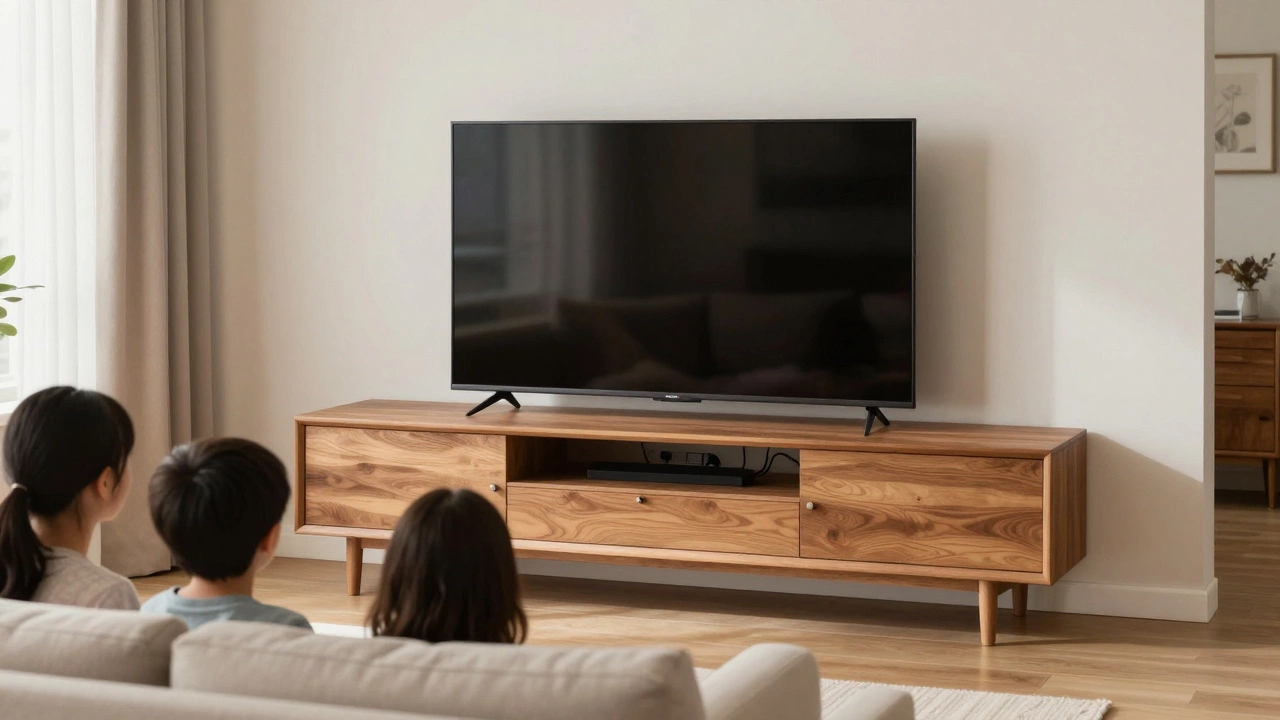
Ever set up a TV stand only to have it wobble, block the view, or feel like it’s about to tip over? You’re not alone. Most people think a TV stand is just a piece of furniture to hold a TV - but there’s a real rule for TV stands, and ignoring it can lead to accidents, bad viewing angles, or even damaged electronics. The rule isn’t written in stone, but it’s based on decades of ergonomic research, safety standards, and real-world experience. Get it right, and your TV setup feels natural. Get it wrong, and you’re risking injury, frustration, or worse.
Height Matters More Than You Think
The most important rule for TV stands is this: the center of your TV screen should be at eye level when you’re sitting down. That’s it. No exceptions. If your TV is too high, you’re craning your neck. Too low, and you’re looking down constantly. Both cause strain - and over time, that strain turns into chronic neck and shoulder pain.
Studies from the American Academy of Orthopaedic Surgeons show that people who sit with their heads tilted up or down for long periods report 40% more neck discomfort than those with proper screen alignment. For most people, that means the center of the screen should be about 42 inches (107 cm) off the floor. That’s the average seated eye height for adults in standard living room chairs.
But here’s the catch: if you’re using a couch that sinks low, or a recliner that leans back, your eye level changes. That’s why you can’t just copy someone else’s setup. Measure it yourself. Sit in your usual spot, with your usual posture, and have someone mark the wall at your eye level. That’s your target height.
Size and Weight Are Non-Negotiable
Your TV stand must support your TV - not just physically, but structurally. The rule here is simple: the stand’s weight capacity must exceed your TV’s weight by at least 20%. If your TV weighs 50 pounds, the stand should handle 60 pounds or more. That extra buffer prevents stress fractures in the frame, especially if you have kids, pets, or bump into it by accident.
Check the manufacturer’s label on the back of your TV for exact weight. Then check the stand’s specs - most good brands list this clearly. Avoid stands that say “fits most TVs” without giving numbers. That’s a red flag. A stand made for a 32-inch TV won’t safely hold a 75-inch OLED, even if it looks like it fits.
Width matters too. Your TV should not stick out more than 2-3 inches beyond the edges of the stand on either side. If it does, the stand becomes unstable. Think of it like a bookshelf: if a heavy book hangs off the edge, it’s more likely to pull the whole shelf down. Same principle.
Clearance and Ventilation Are Safety Rules Too
TVs generate heat. Modern ones are better than old CRTs, but they still need airflow. The rule for ventilation? Leave at least 4 inches (10 cm) of space behind the TV and 2 inches (5 cm) on each side. If your stand has closed cabinets or panels, make sure there are ventilation holes - and keep them clean. Dust buildup traps heat, and heat kills electronics faster than anything else.
I’ve seen TVs die after just three years because they were crammed into a closed media cabinet with no airflow. The internal components overheated. Replacing a TV costs hundreds. A stand with proper clearance costs less than $50. That’s not a trade-off - it’s common sense.
Also, don’t place the TV directly on top of a soundbar or receiver unless the stand is designed for it. The extra weight and heat from those devices can warp the stand’s surface or block vents. Use a separate shelf or mount them underneath if possible.
Stability Over Style
That sleek, minimalist stand with thin legs? Looks great in a magazine. But if it’s not anchored and your toddler decides to climb it, you’re in trouble. The rule for stability is: if you can shake the stand with one hand and the TV moves, it’s unsafe.
Wall-mounted TVs are the safest option for households with kids or pets - but if you’re using a floor stand, look for these features:
- Wide base - the wider, the better. A base that’s at least 75% the width of your TV is ideal.
- Anti-tip kit - most quality stands come with one. If yours doesn’t, buy one. They cost under $15 and screw into the wall and the stand.
- Heavy materials - solid wood or steel stands are more stable than hollow plastic or thin metal.
Don’t be fooled by looks. A heavy, chunky stand may not be Instagram-worthy, but it’s the one that keeps your TV from becoming a projectile.
Distance From the Seating Area
There’s a rule for how far you should sit from your TV, too. It’s not just about comfort - it’s about picture quality. Sit too close, and you’ll see pixels. Sit too far, and you lose detail.
The recommended distance is 1.5 to 2.5 times the diagonal size of your screen. So for a 65-inch TV, sit between 8 and 14 feet away. That’s the sweet spot for 4K resolution. If you’re watching HD (1080p), stick to the upper end of that range - 12-14 feet.
This isn’t just theory. The Society of Motion Picture and Television Engineers (SMPTE) tested this across hundreds of viewers. People who sat within this range reported higher satisfaction with image clarity and less eye fatigue.
Measure your room. Mark the floor with tape at 8, 10, and 12 feet from where your TV will go. Sit on your couch and see which distance feels best. That’s your spot. Move the stand accordingly.
Don’t Forget Cable Management
A messy tangle of wires isn’t just ugly - it’s a tripping hazard. The rule here is simple: hide the cables, don’t just coil them. Use cable sleeves, clips, or a stand with built-in channels. If your stand doesn’t have them, buy adhesive clips for under $10 and route wires along the back of the stand or down the wall.
Keep power cords and HDMI cables separated. Running them side-by-side can cause interference, leading to signal loss or screen flicker. If you notice weird static or audio dropouts, check your cable layout first.
Label your cables. Seriously. One time, I spent two hours trying to fix a no-signal issue - turned out someone had swapped the Roku and game console cables. A little tape with “PS5” and “Apple TV” saved hours of frustration.
What About Wall Mounts?
Wall mounts aren’t a workaround - they’re often the best solution. They eliminate stand instability entirely and give you perfect height control. But they come with their own rules:
- Mount to wall studs - never just drywall. Use a stud finder. If you hit wood, you’re good. If you only hit hollow space, you need to find a stud.
- Use a VESA-compatible mount - check your TV’s back for the screw hole pattern. Match it exactly.
- Don’t mount too high. Even on a wall, the center of the screen should still be at eye level. Mounting a TV above a fireplace is a common mistake - you end up looking up at an uncomfortable angle.
Wall mounts are ideal for small rooms or if you want a clean, modern look. But if you have kids who love to climb, make sure the mount has a locking mechanism. Some cheaper models can be pulled off with enough force.

Common Mistakes and How to Fix Them
Here are the top three mistakes people make - and how to fix them right away:
- Mistake: Putting the TV on a narrow console meant for books. Fix: Replace it with a stand designed for TVs. Look for one with a weight rating and wide base.
- Mistake: Using a stand that’s too small for the TV. Fix: Measure your TV’s width and compare it to the stand’s top surface. If the TV overhangs by more than 3 inches, it’s unsafe.
- Mistake: Ignoring ventilation. Fix: Clear 4 inches behind the TV. If the stand has a back panel, remove it or drill holes.
These aren’t opinions - they’re safety guidelines backed by consumer product safety commissions and TV manufacturers.
Final Checklist: Does Your TV Stand Pass the Rule?
Before you turn on your TV, run through this quick list:
- Is the center of the screen at eye level when seated?
- Is the stand rated for at least 20% more weight than your TV?
- Is the stand wider than your TV by at least 2-3 inches on each side?
- Is there 4 inches of space behind the TV for airflow?
- Is there an anti-tip kit installed?
- Are cables neatly managed and not tangled or pinched?
- Are you sitting 1.5-2.5 times the screen size away?
If you answered yes to all seven, you’ve followed the rule. If not, fix the first thing that’s wrong. It’s not about perfection - it’s about safety and comfort.
What is the ideal height for a TV stand?
The ideal height is when the center of your TV screen is at eye level while you’re sitting on your usual couch or chair. For most people, that’s about 42 inches (107 cm) off the floor. But it varies based on your seating height, so measure your eye level while seated to be sure.
Can I use a coffee table as a TV stand?
No. Coffee tables are not designed to hold the weight of a TV or provide stability. Most are too low, too narrow, and lack proper ventilation. Using one risks tipping, overheating, or damaging your TV. Always use a stand built for TVs.
Do TV stands need to be anchored to the wall?
If you have children, pets, or live in an area with frequent earthquakes, yes. Even if your stand looks stable, a sudden bump or pull can cause it to tip. Anti-tip kits are cheap, easy to install, and required by safety standards in many countries. Don’t skip this step.
How far should I sit from my TV?
Sit between 1.5 and 2.5 times the diagonal size of your screen. For a 65-inch TV, that’s 8 to 14 feet. This distance gives you the best picture quality without straining your eyes. Sitting closer than 1.5x makes pixels visible; farther than 2.5x loses detail.
Why does my TV overheat on its stand?
TVs need airflow to cool their internal components. If your stand has a closed back, or if the TV is pressed against a wall or cabinet, heat gets trapped. Always leave at least 4 inches of space behind the TV. If your stand doesn’t allow this, consider switching to a model with open sides or a wall mount.
What to Do Next
If your TV stand doesn’t meet these rules, don’t wait for something to break. Start with the most critical fix - height and stability. Adjust the stand or get a new one. A good TV stand isn’t about matching your sofa. It’s about making sure your TV stays on, your eyes stay comfortable, and your family stays safe.
When you’re shopping, look for stands labeled “TV-specific” and check the specs. Avoid anything that doesn’t list weight capacity, width, or ventilation details. You don’t need to spend a fortune - just spend wisely.
Write a comment