
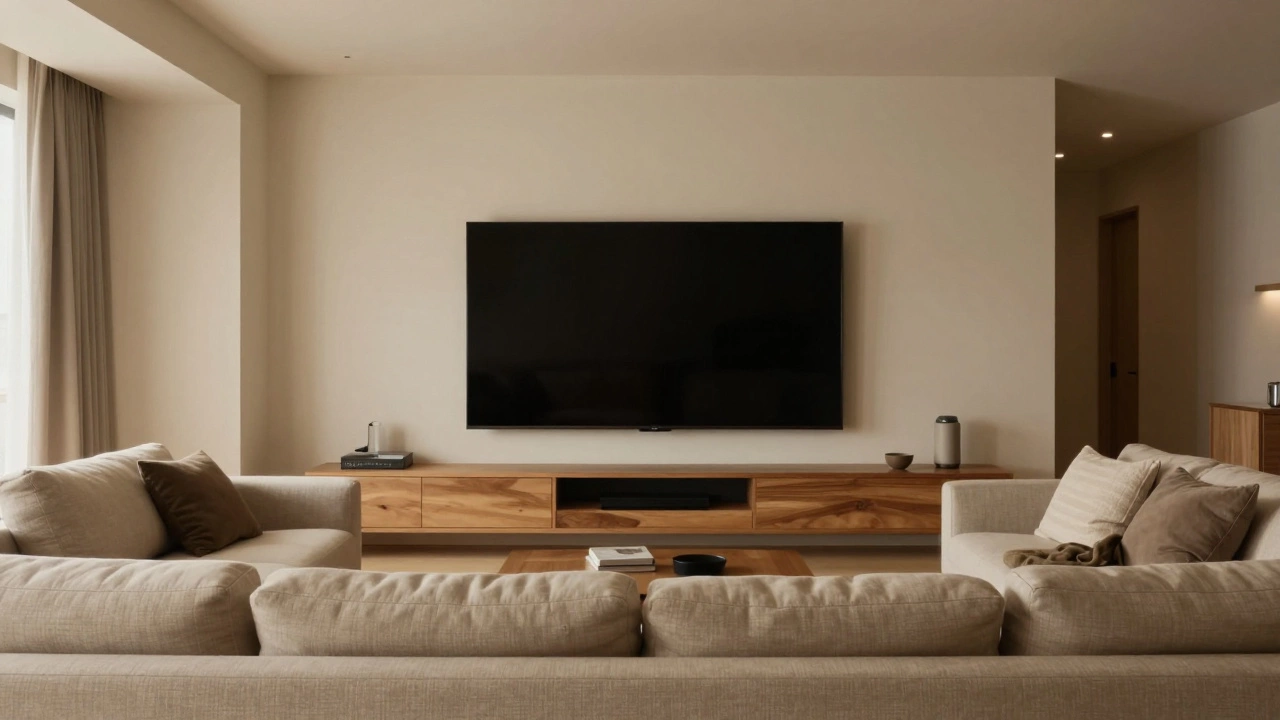
TV Placement & Ergonomics Calculator
Room & Setup Details
Placement Suitability Score
Enter details to calculate
Ideal Distance Range
-- ft
Ideal Center Height
42-48 in
Analysis Breakdown
Configure your room settings and click Analyze Placement to see recommendations.
Picture this: you’ve just bought a stunning 65-inch OLED screen. You’re excited. But when you get home, you realize there’s no clear answer to the question that matters most: where does it go? Mounting your television on the wrong wall can turn an immersive movie night into a neck-straining, glare-filled ordeal. It’s not just about aesthetics; it’s about ergonomics, light management, and how you actually use your space.
Choosing the right wall for your TV is a critical decision in interior design that affects comfort, viewing quality, and room flow depends on more than just which side looks best. We need to look at sunlight patterns, seating arrangements, and even the electrical outlets in your home. Let’s break down exactly how to find the perfect spot for your screen so you never have to squint or crane your neck again.
The Golden Rule: Sightlines and Seating
The most important factor in deciding what wall your TV should be on is where you sit. This sounds obvious, but many people ignore it in favor of architectural symmetry. If your sofa faces north, your TV belongs on the north wall. Simple as that. However, life isn’t always that simple. In open-plan living areas, you might have seating facing multiple directions.
If you have a sectional sofa or chairs arranged in a U-shape, you need to identify the "primary viewing zone." This is where the majority of people spend their time. Place the TV opposite this main cluster. Avoid placing the screen on a wall that forces viewers to twist their necks more than 30 degrees. Prolonged twisting leads to strain and discomfort. If your room has two equally strong seating areas, consider a swivel mount or place the TV on a central island cart if the floor plan allows.
Fighting the Glare: Light Source Analysis
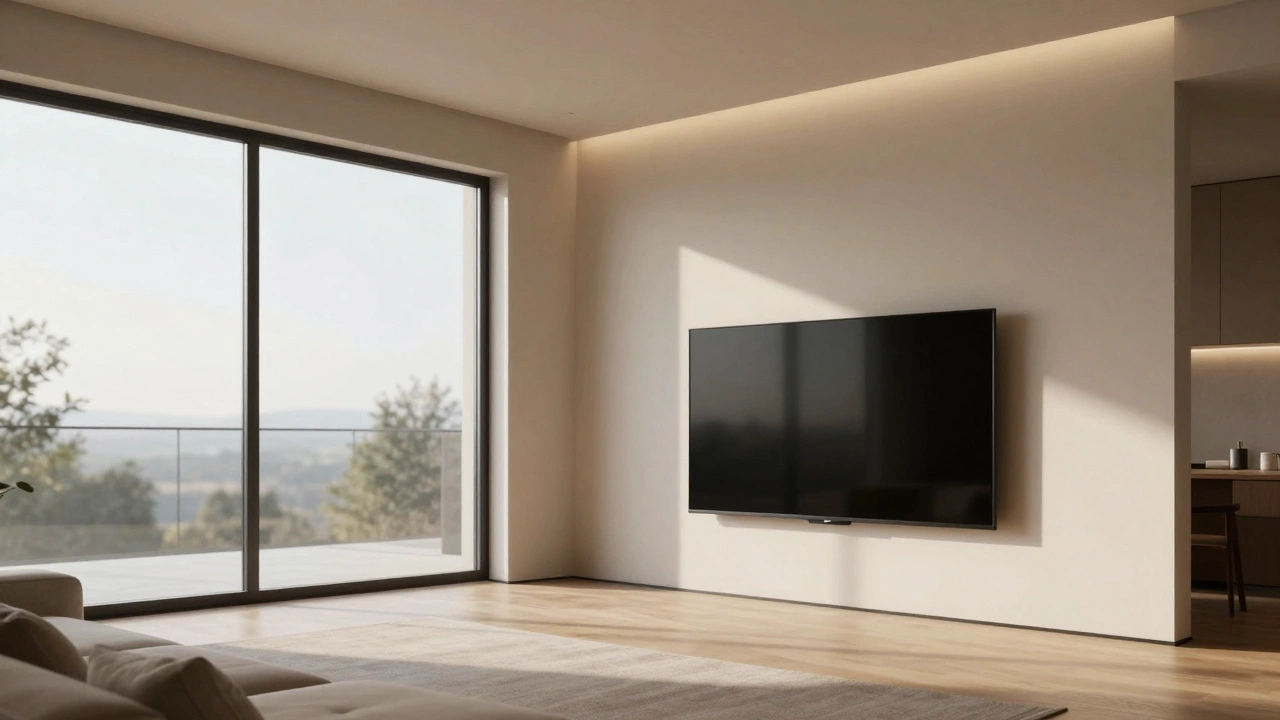
Even the best anti-glare coatings will fail if you position your TV directly opposite a window. Sunlight reflects off the screen, washing out colors and making details invisible. To avoid this, map out the sun’s path through your room during peak hours (usually late morning to mid-afternoon).
- Opposite Windows: Never place the TV directly across from large windows. The reflection will be constant and distracting.
- Adjacent to Windows: This is often the sweet spot. Placing the TV on a wall perpendicular to the windows minimizes direct reflection while still allowing natural light to brighten the room without hitting the screen head-on.
- Artificial Light: Don’t forget ceiling lights. Recessed lighting directly above or behind the viewer can create shadows or reflections. Use bias lighting behind the TV instead to reduce eye strain and improve perceived contrast.
In Birmingham, where overcast skies are common, glare might seem less of an issue than in sunny climates. However, artificial lighting from lamps and overhead fixtures still plays a huge role. Test your chosen wall with the lights on before mounting anything permanently.
Height Matters: Eye Level is Key
Once you’ve picked the wall, you need to get the height right. A common mistake is mounting the TV too high because it looks better from a standing perspective or fits neatly above a fireplace. But you don’t watch TV standing up. When seated, your eyes should be level with the center of the screen, or slightly below it.
For a standard sofa seat height of about 18 inches, the center of your TV should be approximately 42 to 48 inches from the floor. If you’re using a TV stand is a piece of furniture designed to support and display a television set, measure its height first. Many modern stands are tall, pushing the screen higher than ideal. If the stand is too high, consider a lower-profile media console or a riser for your sofa cushions to compensate.
Fireplace Walls: To Mount or Not to Mount?
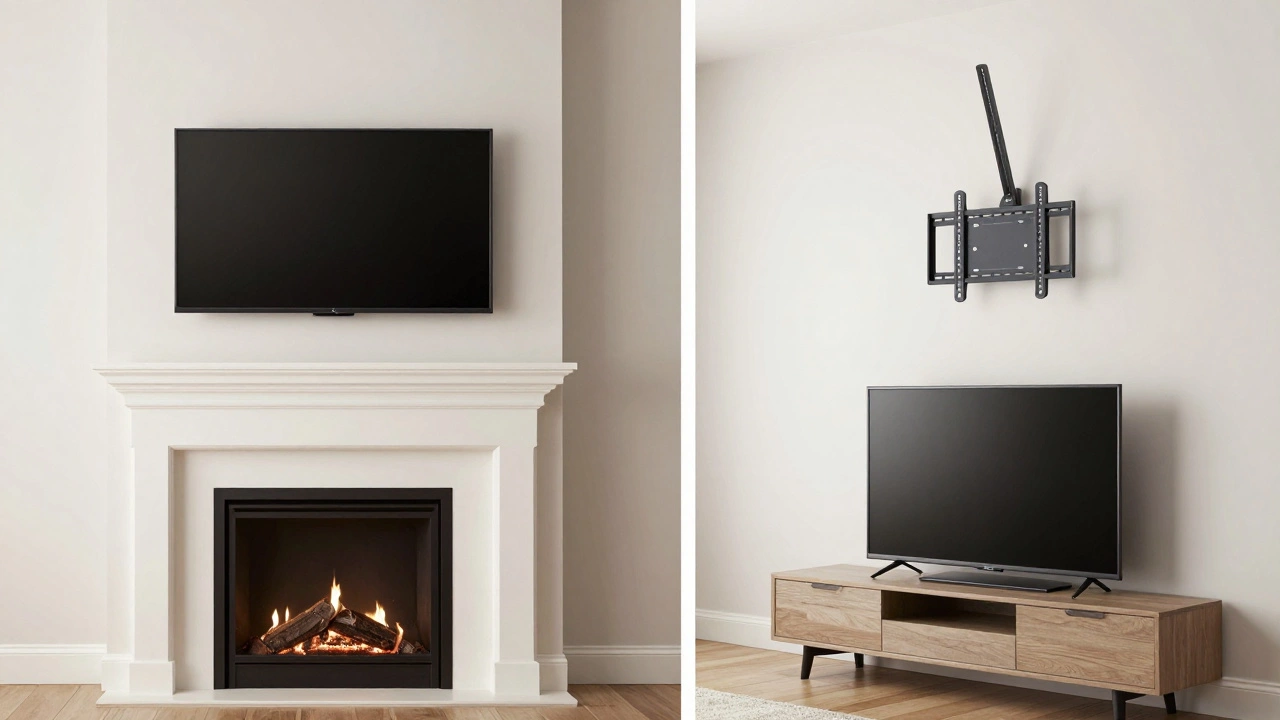
There is a persistent trend in interior design to mount TVs above fireplaces. While it saves floor space and creates a focal point, it is rarely ergonomic. Fireplaces are usually low to the ground, forcing the TV to be mounted high up. This results in a downward viewing angle that strains the neck over time.
If you must use the fireplace wall, consider these alternatives:
- Swivel Mounts: Install a full-motion articulating arm. This allows you to pull the TV down and forward when watching, then push it back against the wall when not in use.
- Low-Profile Inserts: Some modern fireplaces are built higher up the wall. If your hearth is already elevated, mounting above it might work ergonomically.
- Separate Focal Points: Embrace the idea that the TV and the fireplace don’t need to share the same wall. Use the fireplace wall for art or shelving, and place the TV on a dedicated entertainment unit on an adjacent wall.
Electrical Access and Cable Management
A beautiful setup is ruined by visible cables snaking across the floor or bulging behind the screen. Before committing to a wall, check for power outlets and HDMI connections. Ideally, the wall should have outlets near the bottom, close to where a media console would sit.
If you’re planning to wall-mount, consider running cables inside the wall. This requires drilling holes above and below the outlet box and using an in-wall rated HDMI cable kit. It’s a bit of work upfront, but it pays off with a clean, professional look. If in-wall routing isn’t possible, use adhesive cord covers that match your wall color to hide wires along the baseboard.
| Placement Type | Ergonomics | Glare Risk | Cable Management |
|---|---|---|---|
| Wall Mount (Eye Level) | Excellent | Low (if away from windows) | Medium (requires planning) |
| Media Console | Good (depends on height) | Low | Easy (hidden in cabinet) |
| Above Fireplace | Poor (neck strain) | Variable | Difficult |
| Corner Mount | Good (for wide rooms) | Medium | Medium |
Room Shape and Flow
The shape of your room dictates how much space you have to work with. In narrow rooms, placing the TV on the long wall can make the space feel even tighter. Instead, try placing it on the short wall to draw the eye outward and create a sense of depth. In square rooms, you have more flexibility, but ensure there’s enough clearance between the TV and any opposing furniture to allow for comfortable movement.
Also, consider traffic flow. You shouldn’t have to dodge people walking past every time you want to change the channel. Keep the area in front of the TV clear of high-traffic pathways. If your room serves multiple purposes, like a combined dining and living area, prioritize the primary function. If it’s mostly for relaxing, keep the TV prominent. If it’s for entertaining guests, perhaps hide the TV in a cabinet or choose a smaller model that doesn’t dominate the space.
Acoustics and Sound Direction
We often forget that sound travels differently depending on where the speakers are placed. Most TVs have downward-firing or side-firing speakers. If you mount the TV high on the wall, the sound will bounce off the ceiling, potentially causing muddiness or echo. Pairing your TV with a soundbar placed below it helps direct audio toward your ears. Ensure the wall you choose doesn’t have excessive hard surfaces nearby that could cause unwanted reverberation. Adding rugs or curtains can help dampen sound and improve clarity.
How far should the TV be from the sofa?
The ideal distance depends on the screen size and resolution. For a 55-inch 4K TV, sit about 4 to 6 feet away. For a 65-inch, aim for 5 to 7 feet. A good rule of thumb is to multiply the diagonal screen size by 1.5 to 2.5 for 4K content. This ensures you can see the detail without straining your eyes.
Can I put my TV on a wall with no studs?
It is not recommended to mount a heavy TV solely on drywall without stud support. Drywall anchors can hold lightweight objects, but they may fail under the weight and vibration of a large screen. Use a stud finder to locate wooden or metal studs. If studs aren’t aligned correctly, consider using a mounting plate that spans multiple studs or consult a professional installer.
Is it better to wall mount or use a stand?
Wall mounting saves floor space and offers a sleek look, but it’s harder to adjust once installed. A stand provides flexibility to move the TV later and easier access to ports. Choose a wall mount if you want a permanent, minimalist setup. Choose a stand if you value flexibility and easy maintenance.
What if my TV is too high after mounting?
If you’ve already mounted the TV and it’s too high, you can’t easily lower it without remounting. However, you can mitigate the issue by using a tilting mount to angle the screen downward. Alternatively, raise your seating position with thicker cushions or a raised ottoman to bring your eye level closer to the screen center.
Does the direction of the room matter for TV placement?
Yes, primarily due to sunlight. North-facing rooms tend to have consistent, indirect light, making them easier for TV placement. South-facing rooms get intense afternoon sun, requiring careful positioning to avoid glare. East and west-facing rooms have strong morning or evening light, respectively. Always test the wall at different times of day before finalizing your choice.
Write a comment